
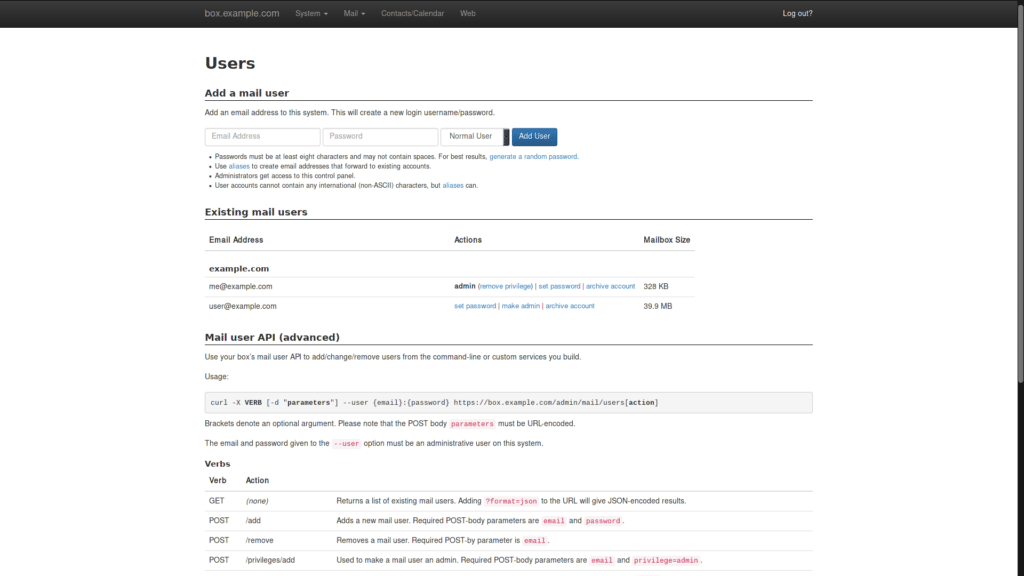
Mail-in-a-Box is a turnkey project that turns a fresh Ubuntu 22.04 x64 server into a complete, self-hosted email service — the idea is to make you your own mail provider with minimal fuss, while still using well-known open-source building blocks under the hood.
What you get “in the box”
A standard Mail-in-a-Box setup bundles the essentials most people expect from a modern mail provider:
- Webmail (Roundcube)
- IMAP/SMTP so you can use any desktop/mobile mail client
- Contacts + calendar sync (via Nextcloud apps in the bundle)
- A web control panel to manage users, aliases, domains, custom DNS records and backups
- Spam protection (e.g., filtering and greylisting) and server-side mail rules
- Automatic TLS certificates via Let’s Encrypt
- Optional “be your own nameserver” mode to auto-set DNS for deliverability and security:
- SPF, DKIM, DMARC, MTA-STS
- and, when enabled, DNSSEC (with DANE TLSA)
It also includes automated backups (e.g., to S3-compatible storage) and basic static site hosting if you want to serve something lightweight from the same box.
Current version and install
The project lists v74 (January 4, 2026) as the current version, and notes you must choose Ubuntu 22.04 x64.
Typical install command:
curl -s https://mailinabox.email/setup.sh | sudo bash
Code language: JavaScript (javascript)
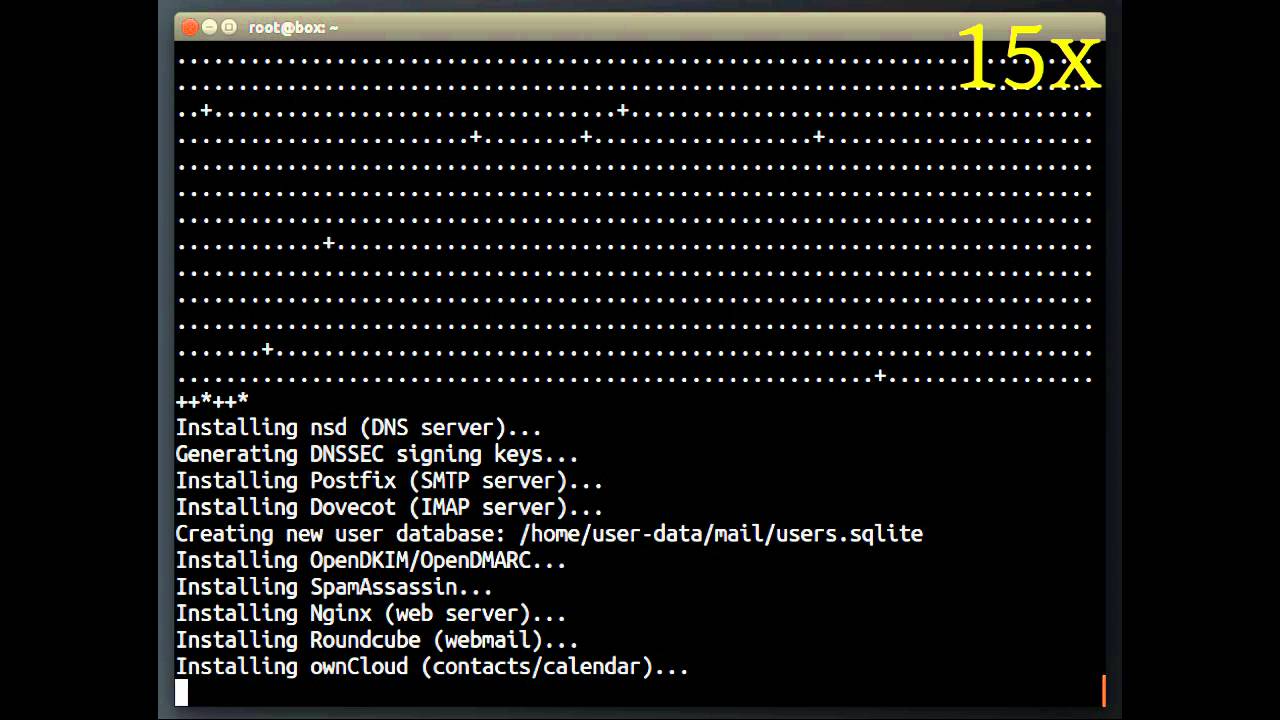
You answer a few prompts (admin email, hostname/domain, etc.), and the scripts install and configure the full stack.
The big caveat: deliverability is still “the internet’s problem”
Mail-in-a-Box is blunt about something many guides gloss over: even with correct SPF/DKIM/DMARC and TLS, some providers may still spam-filter or block mail from self-hosted servers. That’s not unique to this project — it’s the reality of email reputation and anti-abuse ecosystems. The project points users to its forum for practical deliverability tips.
Philosophy: simplicity over endless knobs
Mail-in-a-Box is designed to “just work,” which also means it’s not trying to be infinitely customizable. If you want something more configurable or “enterprise admin panel first,” the project itself suggests looking at alternatives like iRedMail or Modoboa.
Quick comparison with popular alternatives
| Option | Best for | What stands out | Trade-off |
|---|---|---|---|
| Mail-in-a-Box | People who want the quickest path to a solid, self-hosted mail stack | One guided setup, bundled DNS guidance, control panel, sensible defaults | Limited customization by design |
| iRedMail | Admins who want a “mail server kit” across many distros | Broad OS support, multiple backends (LDAP/SQL), anti-spam/AV stack, optional paid admin panel | More choices = more admin surface area |
| Modoboa | Those who want a unified interface + mailbox/domain management | Installer-driven setup, webmail + calendars/contacts, TLS + SPF/DKIM/DMARC emphasis | You still need to handle DNS and ops like any mail stack |
Sources: Mail-in-a-Box y GitHub