
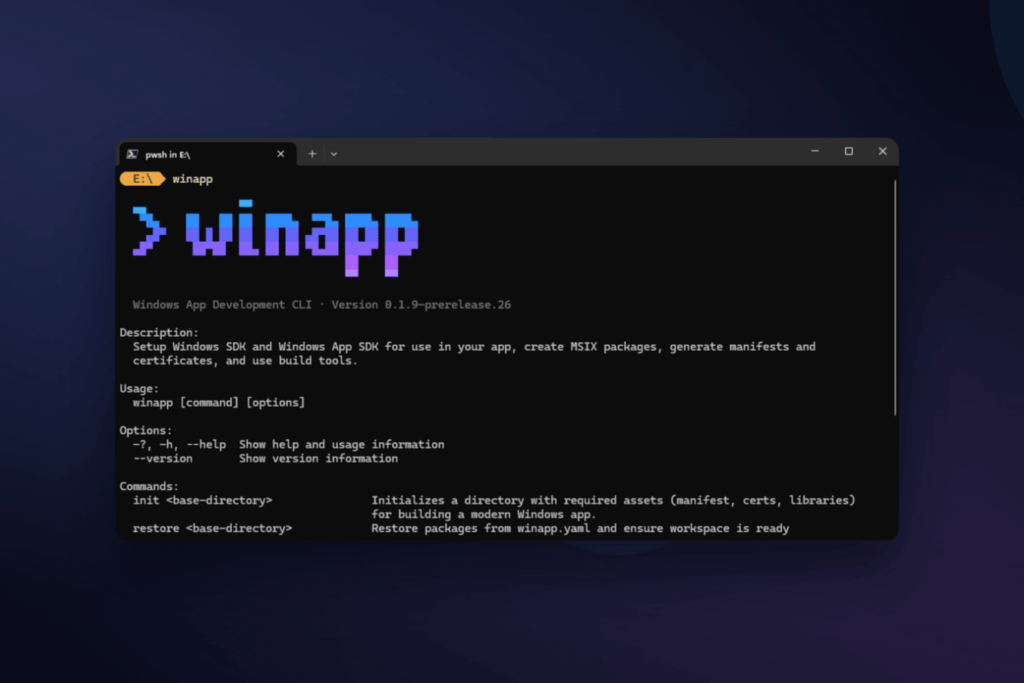
Microsoft has announced the public preview of winapp, a new open-source command-line tool designed to simplify the Windows app development lifecycle—especially for teams building outside the traditional Visual Studio/MSBuild workflow. The pitch is straightforward: reduce the “setup and packaging tax” that often slows down cross-platform developers when they need to target Windows, from SDK management and manifests to certificates and MSIX packaging.
In today’s Windows ecosystem, two worlds run in parallel. Many enterprises still standardize on Visual Studio, while a growing share of developers ship Windows apps through heterogeneous toolchains—Electron, CMake, Rust, .NET, or Dart—and expect reproducible CLI workflows that work well in CI/CD. winapp is Microsoft’s attempt to bridge that gap with a unified, CLI-first experience.
A CLI-first approach for modern, cross-platform teams
Microsoft positions winapp for developers who aren’t living inside Visual Studio: web developers shipping desktop apps with Electron, C++ teams using CMake, or developers who want “Linux-like” determinism—commands you can script, configuration you can version, and builds that behave consistently across machines.
That matters operationally because Windows development often includes high-friction steps that don’t scale well across teams:
- Managing multiple SDKs and dependencies
- Creating and editing manifests
- Generating certificates for signing
- Navigating packaging requirements and distribution formats
winapp aims to consolidate these recurring chores into a small set of standard commands.
winapp init: bootstrap a workspace in one command
One of the headline features is winapp init, which bootstraps a project by handling tasks that previously required multiple manual steps—downloading required SDK components, generating assets, creating manifests, and setting up certificates.
For teams, this directly targets the “environment setup problem”: the longer it takes a new developer (or a CI runner) to get from clone to build, the higher the hidden cost. Microsoft also calls out winapp restore as the counterpart for recreating a known environment state, which signals a focus on repeatability across machines and pipelines.
Debug Package Identity without reinventing your dev loop
On Windows, many modern APIs require Package Identity. Traditionally, that meant fully packaging and installing an application just to test certain features—slowing down iteration and introducing extra configuration burden.
winapp addresses this with a dedicated command:
winapp create-debug-identity my-app.exe
The practical payoff is faster iteration: you can keep your normal build/debug workflow while still accessing APIs that require identity. Microsoft explicitly frames this in the context of modern Windows capabilities, including Windows AI APIs, security features, notifications, and shell integrations.
Manifests, assets, and certificates: removing classic bottlenecks
Manifest creation and certificate setup remain common stumbling blocks for developers new to Windows packaging—particularly outside the Visual Studio “happy path.” winapp provides CLI commands to generate and maintain manifests and development certificates, and to update image assets referenced by the manifest.
From an engineering perspective, the benefit is less about “making it easier once,” and more about reducing ongoing maintenance and minimizing the sort of last-minute packaging failures that appear right when a team needs to ship.
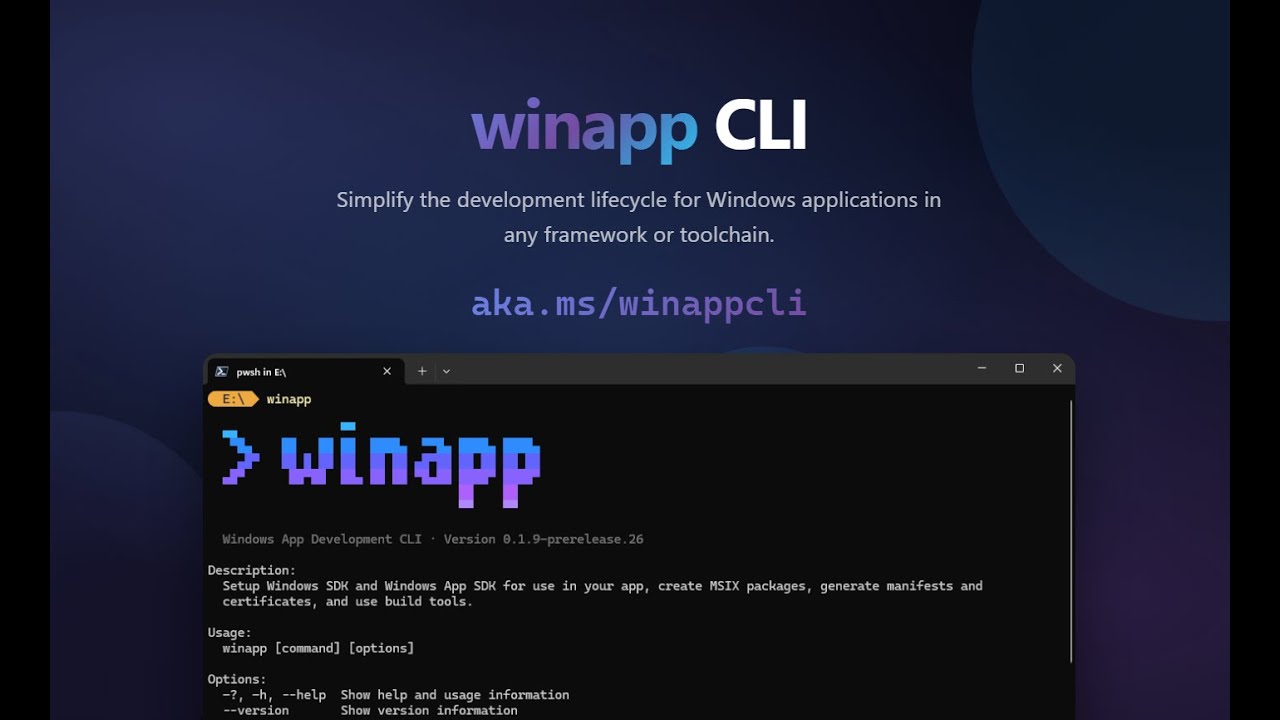
One-command MSIX packaging and signing
When it’s time to distribute, winapp includes a packaging command intended to produce a signed MSIX package from build output, suitable for store-ready distribution or sideloading:
winapp pack ./my-app-files --cert ./devcert.pfx
MSIX is increasingly relevant in managed environments where IT cares about consistent deployment and lifecycle management. If packaging becomes a predictable CLI step, teams can treat Windows distribution more like any other automated release artifact.
Electron and Node integration: a bridge to native Windows features (including AI)
The Electron angle is particularly strategic. Microsoft ships winapp as an npm package and adds commands meant to bridge Node.js projects with native Windows code (C++ or C# addons) that can access Windows App SDK and Windows SDK features.
Microsoft also highlights a faster Electron debugging loop: injecting Package Identity into a running Electron process so developers can test identity-gated APIs while continuing to use npm start.
In parallel, Microsoft points to experimental Node.js projections for certain Windows APIs, including a package that helps developers use Windows AI APIs directly from Node.
What winapp changes day-to-day
| Common need | What winapp provides |
|---|---|
| Fast, repeatable dev environment setup | init / restore for reproducible bootstrapping |
| Testing APIs that require Package Identity | create-debug-identity without full packaging installs |
| Managing manifests and assets | commands to generate/update manifests and image assets |
| Handling development certificates | automated certificate creation for signing and testing |
| Shipping a signed package | pack to build a signed MSIX in one step |
| Electron + Node workflows | npm distribution and commands tailored for Electron identity/debugging |
FAQs
What is winapp and who is it for?
winapp is an open-source Windows app development CLI in public preview. It’s designed for developers building Windows apps across multiple frameworks—especially those not using Visual Studio/MSBuild, such as Electron, CMake, Rust, .NET, or Dart workflows.
How does it help compared to stitching together separate tools?
It consolidates common Windows tasks—SDK setup, manifests, certificates, and MSIX packaging—into a consistent CLI workflow that’s easier to automate and less prone to manual configuration errors.
Why does Package Identity matter, and what does winapp change?
Many modern Windows APIs require Package Identity. winapp enables developers to add identity for debugging without forcing a full packaging-and-install loop for every test iteration.
Should you install via WinGet or npm?
WinGet is appropriate for general system-wide usage. The npm package is geared toward Electron/Node projects where teams want to keep the toolchain inside the project’s dependency and build workflow.
via: blogs.windows