
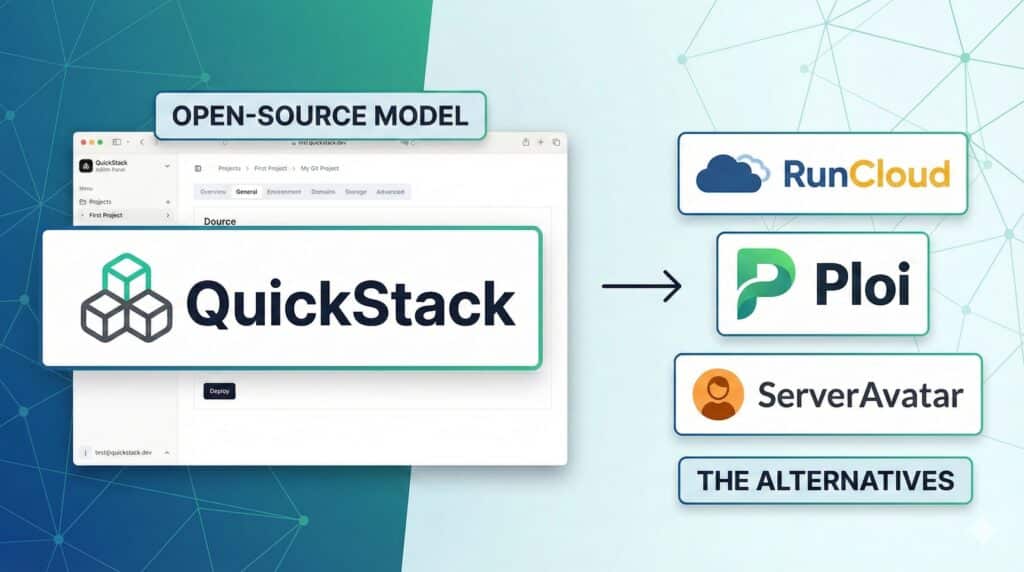
In recent years, deploying a web application has become as simple as connecting a Git repository to platforms like Vercel, Hetzner, DigitalOcean App Platform or Azure App Service. The downside is familiar to anyone who has gone from a side project to something serious: rising costs, total dependence on the provider and limited visibility into what is really happening under the hood.
That’s the context in which QuickStack appears — a self-hosted PaaS platform that promises to bring that same “click-click-deploy” experience to one or more private servers (VPS), while keeping full control over infrastructure and data. The project, published on GitHub under the GPL-3.0 license, was developed as a student project at the Eastern Switzerland University of Applied Sciences, but it addresses a very real problem for many startups and small companies: how to simplify deployments without giving up technical sovereignty.
A full PaaS… running on your own VPS
QuickStack presents itself as a self-hosted platform as a service designed to manage applications across one or more Linux servers (Ubuntu is preferred). The opening promise is strong: one-command installation.
The flow is classic for anyone used to VPS environments: connect via SSH to a clean server and run the installation script via curl. From there, QuickStack spins up all necessary components and exposes a unified web interface where you can:
- Create and configure applications
- Connect them to public or private Git repositories
- Deploy Docker containers from Docker Hub or private registries
- Assign domains and TLS certificates
- Set CPU, RAM and storage limits per application
For developers, the experience is very close to that of a commercial PaaS provider, with one crucial difference: everything runs on a server controlled by the organization itself.
Git, Docker, live logs and web terminal: built for day-to-day dev work
One of QuickStack’s strengths is that it leans on tools that are already de facto standards in the industry:
- Git integration to deploy directly from public or private repositories
- Native Docker container support, so applications can be packaged with their dependencies and environments can be reproduced consistently
- Live logs from the web UI to debug running containers without having to SSH into the host
- A web-based terminal inside the container, handy for quick diagnostics or emergency tweaks
Taken together, these features put QuickStack in the same “developer experience” league as many commercial platforms, with the added benefit that the entire stack is auditable and extensible by the systems team.
Certificates, resource limits and monitoring included
Beyond deployment, the platform ships with several elements that usually require time and expertise when managed manually:
- Automatic SSL/TLS certificate management via Let’s Encrypt, avoiding the need to generate and renew certificates by hand
- Per-app resource limits (CPU, RAM, storage) so a misconfigured service can’t take over the entire server
- A monitoring dashboard with consumption and performance metrics to spot bottlenecks or abnormal behaviour
These are especially relevant features for small companies, agencies or projects where there is no dedicated SRE team, but there is a need to keep infrastructure under control.
Backups and clustering: thinking like a mini-cloud
QuickStack also includes two pieces that clearly differentiate it from simpler solutions:
- Backups of application data and databases to S3-compatible storage. This allows sending backups to public clouds, on-prem systems or third-party object storage services.
- Cluster support to scale applications across multiple VPS nodes, plus cluster-wide persistent storage volumes, so services aren’t tied to a single physical server.
With this combination, the project is not just a “pretty panel in front of Docker”, but starts to look like a small private cloud distributed across several VPS instances.
A real alternative to Vercel or DigitalOcean App Platform?
The comparison with major commercial PaaS offerings appears repeatedly in the project’s documentation. QuickStack doesn’t try to replicate their entire ecosystems, but it does target several very common use cases:
- Projects whose costs have grown too much on commercial platforms and now need something with more predictable pricing
- Teams that care about data sovereignty, either for compliance reasons or strategic ones
- Education and university environments, where modern deployment techniques are taught without depending on external provider accounts
- Small hosters and MSPs, who can offer customers their own PaaS on top of infrastructure they already manage
The usual trade-off applies: in a self-hosted world, the operational responsibility lies with the user. There is no provider SLA or 24/7 support team behind it; updating the system, securing the server and sizing the infrastructure is still the administrator’s job.
A young project with real potential in the self-hosted space
QuickStack is still a young project, born in an academic setting, but its approach fits neatly into the growing ecosystem of self-hosted tools that aim to reduce lock-in and bring “cloud-like” capabilities to any VPS.
For technical teams familiar with Linux, Docker and S3, the adoption curve should be relatively gentle. And for those coming from fully managed platforms, it can be a reasonable stepping stone towards a model with more control over costs and infrastructure, without jumping straight into the complexity of Kubernetes.
Time will tell whether QuickStack can build an active community and become a reference alternative. For now, it makes one thing very clear: the PaaS model doesn’t have to be exclusive to the big hyperscalers; it can also live — quite comfortably — on a single virtual server.
Frequently Asked Questions
What exactly is QuickStack?
QuickStack is a self-hosted platform as a service (PaaS) that lets you deploy, manage and monitor applications on one or more Linux servers, using Git and Docker containers as its core building blocks.
How is QuickStack different from services like Vercel or DigitalOcean App Platform?
The main difference is the control model: QuickStack is installed on a VPS managed by your own organization, which avoids hard lock-in and lets you decide where data is stored. In exchange, responsibility for operations, security and updates sits with your technical team.
What are the minimum requirements to run QuickStack?
According to the project documentation, you only need a fresh VPS with a supported Linux distribution—Ubuntu is recommended—and SSH access to run the installation script. From there, the actual hardware requirements depend on how many applications you run and how much traffic they handle.
How does QuickStack handle backups and high availability?
QuickStack can back up application data and databases to S3-compatible storage and supports clustering to deploy applications across multiple VPS nodes, with cluster-wide persistent volumes. This improves resilience in case a single server fails.
More information in GitHub QuickStart.