
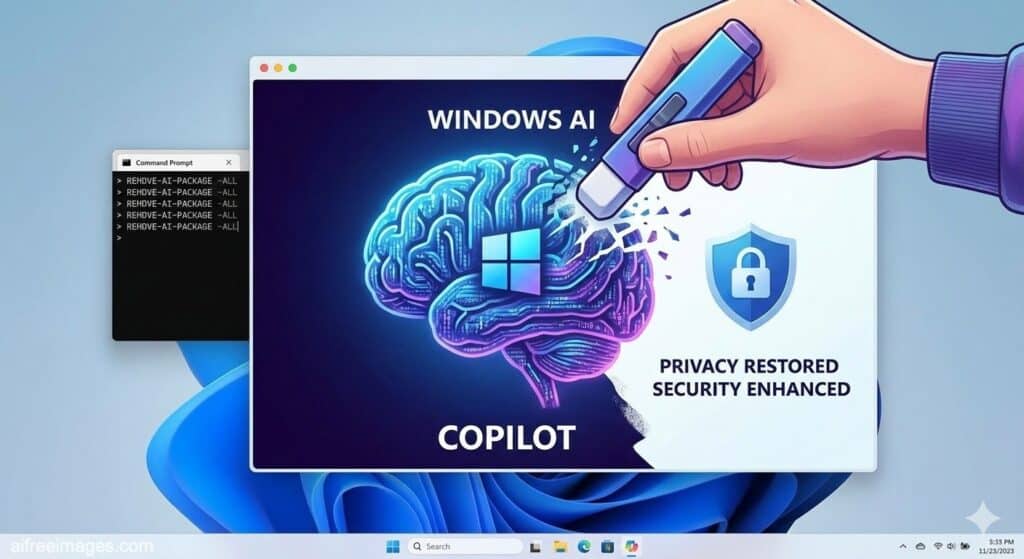
Microsoft’s strategy is clear: turn Windows 11 into a platform deeply integrated with Artificial Intelligence (AI). Copilot everywhere, features like Recall that constantly snapshot your desktop, AI baked into native apps like Paint or Notepad… But part of the community is not willing to accept that shift without a fight. That’s where RemoveWindowsAI comes in: an open-source PowerShell script that aims, quite literally, to rip AI features out of the operating system by the roots.
The project, published by developer zoicware on GitHub, has quickly become one of the most talked-about repositories among sysadmins and power users who distrust the “always-on AI” direction Windows 11 is taking, especially in the 25H2 branch and the new Copilot+ PCs.
A more and more “assistant-driven” Windows 11
For months, Microsoft has been stacking announcements in the same direction: more AI on the desktop. Copilot is no longer just a chatbot; it’s being integrated into the Start menu, the system tray and even basic apps like Notepad, where the new Rewrite feature is already live to help users rephrase text using AI.
The most controversial move, however, has been Windows Recall, a feature initially designed for the new Copilot+ PCs. Recall takes periodic screenshots of everything the user does on the machine, indexes them locally and lets you later search “what you were doing” at a given moment using natural language. Microsoft argues that these images are stored encrypted on the device, and that Recall is disabled by default, but the privacy debate has been intense.
The concern is not theoretical: browsers and privacy tools such as Signal, Brave or AdGuard have added explicit protections against Recall to block it from capturing their windows, precisely because of the risk that it may end up storing private conversations, banking data or highly sensitive information.
In that environment, RemoveWindowsAI appears as the most aggressive response seen so far: it doesn’t just try to constrain a specific feature, it proposes a mass removal of AI components from the system.
RemoveWindowsAI: deep surgery on Copilot, Recall and the AI fabric of Windows
The script describes itself with no sugarcoating: “Force Remove Copilot, Recall and More in Windows 11”. Its goal is to remove or disable the entire AI layer in Windows 11 in order, in the author’s words, to “improve user experience, privacy and security” on current and future builds of the OS.
Among its key actions:
- Disables registry keys related to:
- Copilot in the system.
- Recall.
- Input Insights and keystroke/typing data collection.
- Copilot in Microsoft Edge.
- AI features in Paint, including image generation.
- AI Fabric Service and “AI Actions”.
- AI-powered search in the Settings app.
- Voice Access and AI-based voice effects.
- Removes AI Appx packages, including:
- Copilot.
- AIX.
- CoreAI.
- Components from the WindowsWorkload family tied to AI features.
- Removes the Recall optional feature, so it no longer appears as an installable component in the system.
- Forces removal of hidden packages in the CBS (Component-Based Servicing) store, where Windows keeps many of its internal modules, including some that are not exposed to the end user and are marked as protected.
- Cleans up AI leftovers under folders like SystemApps and WindowsApps, and deletes scheduled tasks associated with Recall.
On top of that, the script adds a mechanism to prevent Windows Update from reinstalling these AI packages in future updates, by installing a custom update package that blocks those components from coming back.
RemoveWindowsAI can be run:
- Interactively, with a simple UI.
- In non-interactive mode, with parameters like
-AllOptionsto apply everything in one go. - In backup mode (
-backupMode), to save the previous state of the system. - In revert mode (
-revertMode), provided that backup mode was enabled beforehand.
A tool that touches “unsupported” parts of the system
Even though the script has gained traction among advanced users, many admins point out a key issue: RemoveWindowsAI makes changes that are not covered or supported by Microsoft, especially when it comes to manipulating the CBS store and removing packages flagged as protected.
That means side effects are possible, including:
- Failures when installing future cumulative updates.
- Errors in features that depend indirectly on removed components.
- Unexpected behavior in system tools Microsoft continues to extend around Copilot and other AI services.
In technical forums and sysadmin communities, some posts describe the script as “very aggressive” and advise running it only on test machines, lab environments or personal PCs where the user accepts the risk of having to reinstall Windows if things go wrong.
The author has also built a broader ecosystem of Windows “tuning” utilities — including debloat scripts, service managers and tools to modify Windows Defender — so RemoveWindowsAI clearly fits into a wider philosophy: regaining granular control over an operating system that hides more and more logic behind automatic layers.
The underlying question: who really controls the PC, the user or the platform?
In practice, RemoveWindowsAI acts like a technical referendum: advanced users are voting with scripts and PowerShell against a system model where AI is integrated by default and increasingly activated with every update.
The debate is not only technological, but also cultural and political:
- Privacy and traceability
The idea that the OS can log, via features like Recall, almost everything happening on screen — even if stored locally — worries regulators and privacy advocates. Data protection authorities in some countries have already opened investigations to clarify the real impact of these capabilities. - The right to a “no-AI” system
For a segment of users, the issue isn’t just tweaking options; it’s having the ability to run an operating system that doesn’t rely on AI models for basic tasks and doesn’t gather more information than strictly necessary. RemoveWindowsAI tries to enforce that right by sheer technical means. - Product model
Microsoft, meanwhile, insists that AI is the core of the future Windows experience, and that Copilot, Recall and similar tools are there to provide productivity, assistance and advanced context to the user. From that perspective, tools that completely dismantle this AI layer collide head-on with the product roadmap.
Solution or symptom?
The emergence of RemoveWindowsAI can be read in two very different ways:
- As a radical solution for those who do not trust the official “off switches” for AI in Windows 11 and prefer to strip it out entirely.
- As a symptom of a trust gap between part of the technical community and the way big tech companies are rolling out AI features into existing products.
Either way, the existence of a script capable of disabling Copilot, wiping out Recall and ripping dozens of AI components from the heart of Windows 11 sends a clear message: not all users want an AI-assisted desktop, and some are willing to rewrite the system itself to prove it.
For those who value privacy and absolute control over their device, RemoveWindowsAI is a powerful — and potentially dangerous — toolbox. For Microsoft, it is a reminder that every new AI layer in the OS will be judged not only by what it offers, but also by how much trust it inspires.