
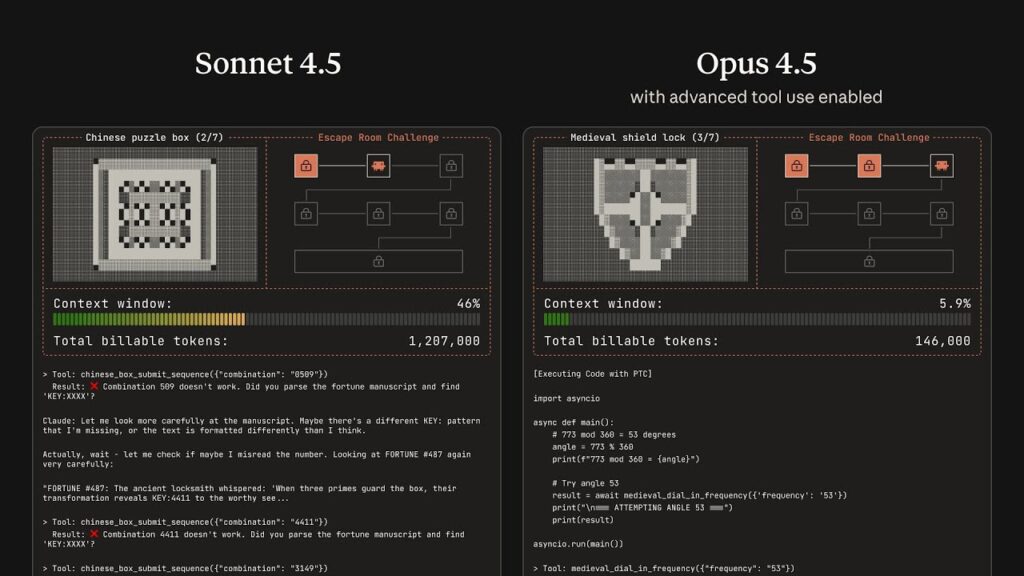
Anyone who has tried to build a serious AI agent for infrastructure knows the pain: once you connect it to Slack, GitHub, Jira, Grafana, your internal CMDB and a few databases, the context window explodes, tool calls become fragile and latency goes through the roof.
Anthropic has just announced three features on the Claude Developer Platform aimed squarely at that problem:
- Tool Search Tool – dynamic discovery of tools on demand
- Programmatic Tool Calling – orchestrating tools from code, not only from prompts
- Tool Use Examples – real usage examples embedded directly in each tool definition
Combined with effort control and context compaction, the goal is clear: let Claude behave more like a platform or SRE assistant that can work across dozens of services without every session turning into a token and latency nightmare.
The real problem: too many tools, too little context
In a typical modern stack, it’s easy to end up with:
- A GitHub MCP server with dozens of operations (issues, PRs, workflows, etc.)
- Connectors for Slack, Grafana, Sentry, Jenkins, Jira, ServiceNow…
- A couple of internal toolsets for databases, CMDB or ticketing
Each tool arrives with its JSON schema, descriptions and enums. That alone can mean tens of thousands of tokens spent before the model even sees the user’s first request. Anthropic mentions internal setups where tool definitions alone consumed more than 70k tokens of context.
For a model that has to:
- Read the conversation history
- Understand the incident or task
- Call multiple tools and reason over the results
…that initial overhead is like killing the agent before it starts.
Tool Search Tool: treat tools as a searchable catalogue
Anthropic’s answer is to treat tools as a searchable catalogue instead of a fixed list that must always be loaded.
Rather than pushing every tool definition into context, you define a single Tool Search Tool (for example, backed by regex or BM25) and mark the rest of your tools with defer_loading: true.
A typical flow looks like this:
- You register all your tools (MCP or custom) with the API, but many of them are marked as deferred.
- From the model’s point of view, at the beginning of the conversation it only sees:
- The Tool Search Tool itself.
- A small set of critical tools with
defer_loading: false(the ones you really use all the time).
- When Claude needs to do something specific—say, “create a PR in GitHub” or “query logs from a production pod”—it first searches.
- Tool Search returns the relevant tools, and only then are those definitions expanded into full schemas and loaded into context.
For a platform or SRE team this brings several benefits:
- Much smaller context footprint – instead of 50+ tool definitions always loaded, you only pay for the 3–5 that are actually needed in that task.
- Fewer tool selection mistakes – instead of guessing among many similarly named methods, Claude searches by description and context.
- Better prompt caching – deferred tools are not part of the initial prompt, so the base prompt remains cacheable.
A practical rule of thumb: keep 3–5 “core” tools always loaded (e.g. search in repos, query tickets, basic metrics) and defer the rest—admin operations, infrequent integrations or highly specialised endpoints.
Programmatic Tool Calling: orchestration in Python instead of prompt spaghetti
The next bottleneck appears when an agent must chain multiple calls or process large datasets.
Sysadmin-style examples:
- Iterate over all Kubernetes services, query health and error rates, then summarise the results.
- Review cloud spending per project and compare it against budgets.
- Scan thousands of log lines for patterns before suggesting a root cause.
If every step means:
- A tool call.
- A huge response injected into the model’s context.
- A new inference to decide what to do next.
…latency and token usage skyrocket. Control flow logic (loops, retries, filters) is implicit in the prompt and therefore brittle.
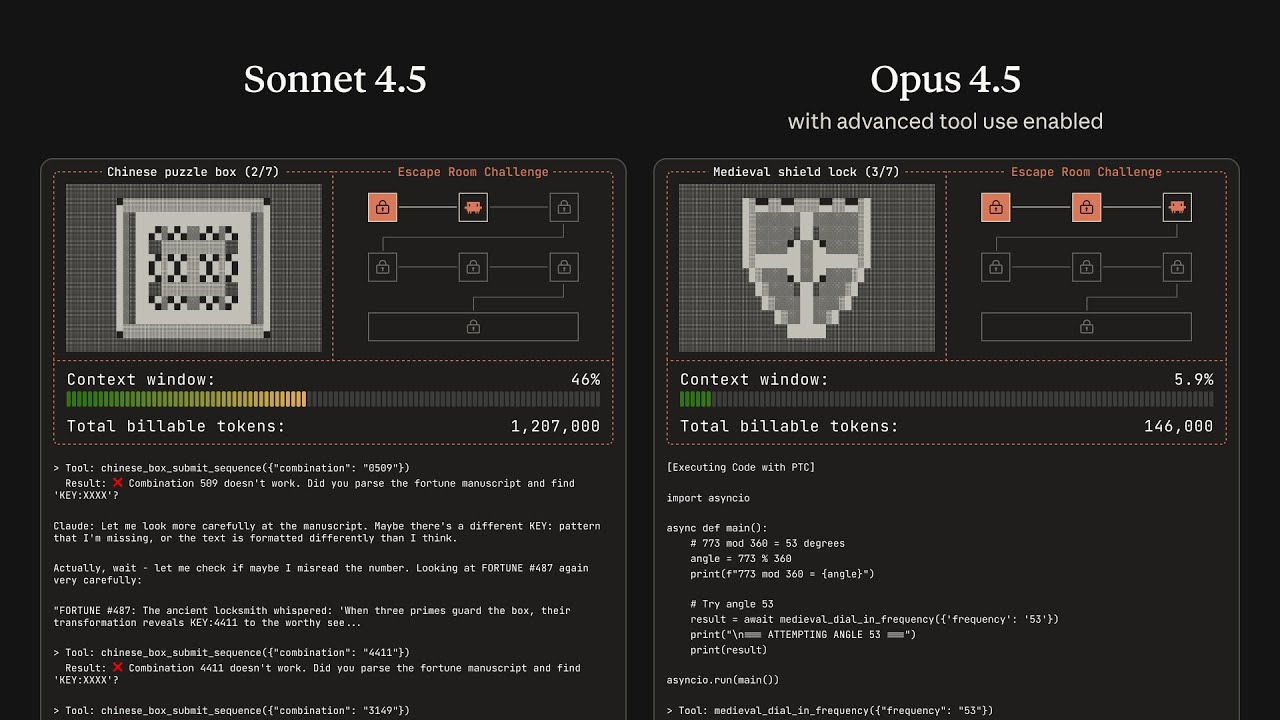
With Programmatic Tool Calling, Claude writes orchestration code, usually Python, that runs inside the code_execution tool. That code can call your tools as many times as needed, process their outputs, aggregate and filter, and finally return only the relevant summary to the model.
Mental example: “Who exceeded the cloud budget?”
Imagine three tools:
get_projects()→ list of projects with owner and IDget_cloud_costs(project, month)→ cost breakdown per projectget_budget(project)→ allocated budget
With the classic approach, the model would:
- Request the project list (goes into context).
- Call
get_cloud_costs()for each project (all responses into context). - Fetch budgets for each project (more context).
- Manually “read” everything and compute comparisons through natural-language reasoning.
With Programmatic Tool Calling:
- Claude writes a script that:
- Calls
get_projects(). - Launches
get_cloud_costs()in parallel for all projects. - Requests all budgets.
- Compares everything in memory and builds a list of over-budget projects.
- Calls
- This script runs inside the sandbox, outside the model’s context.
- Claude only receives a compact final result: maybe a table with five projects and their numbers.
According to Anthropic’s internal testing, this significantly reduces both token usage and latency on workflows with many tool calls, and also decreases logic mistakes.
When it’s worth it
Programmatic Tool Calling earns its keep when:
- There are three or more tool calls in a chain.
- Intermediate results are large (logs, lists, raw metrics).
- Calls can be executed in parallel without risk (idempotent operations).
- The workflow feels more like a small runbook or script than a single question.
For simple one-shot queries (“Get the status of this service”), regular tool calling is still fine.
Tool Use Examples: less RFC-style schemas, more real JSON
A third pain point is familiar to anyone who has ever exposed internal APIs to a model: JSON can be syntactically valid but semantically wrong.
Schemas can say that a field is a string, but they don’t tell you:
- What date format is expected.
- How IDs are structured.
- Which optional fields are usually filled together.
- Which parameter combinations represent a “critical incident” versus a normal ticket.
With Tool Use Examples, each tool definition can embed several real input examples. They are part of the tool definition itself, not separate documentation.
For an incident creation endpoint, you might include:
- A critical production incident with all fields populated (service, severity, labels, escalation, SLA, on-call contact).
- A low-priority feature request with minimal info.
- An internal housekeeping task with just a title.
From those examples, Claude infers:
- The concrete date format you use (simple ISO, ISO with timezone, etc.).
- How internal IDs look.
- When it makes sense to include contact data, SLA or additional labels.
- Which severity levels are associated with which kinds of incidents.
In Anthropic’s tests, this approach greatly improves the rate of tool calls with correct parameters, especially for complex, option-rich APIs.
What this means for platform and dev teams
For an audience of system administrators and developers, the takeaway is that agents are moving from demo territory towards internal platform tooling.
Some realistic scenarios:
- SRE / operations copilots that:
- Query metrics, logs and traces across several observability tools.
- Run health checks in parallel and summarise issues.
- Open tickets, post updates in Slack and modify runbooks.
- DevOps / GitOps assistants that:
- Inspect pipeline and deployment status.
- Propose changes to manifests, open PRs and comment on impact.
- Orchestrate repetitive operations with Programmatic Tool Calling instead of giant prompts.
- Internal support agents that:
- Consult multiple systems (CMDB, host inventory, user directory).
- Apply business rules in code rather than guesswork.
- Return clear answers to support staff or end users.
In every case, the three features play distinct roles:
- Tool Search Tool → efficient discovery in large catalogues of APIs.
- Programmatic Tool Calling → efficient, scalable execution and orchestration.
- Tool Use Examples → precise, semantically correct API calls.
The promise from Anthropic is that, by combining these pieces, Claude can act as another automation layer in your stack—on the same level as Terraform, Ansible or your CI/CD pipelines—only driven by natural language.
For platform teams already experimenting with MCP or custom integrations, these updates may be what was missing to move from lab experiments to something that can actually live alongside production workflows.