
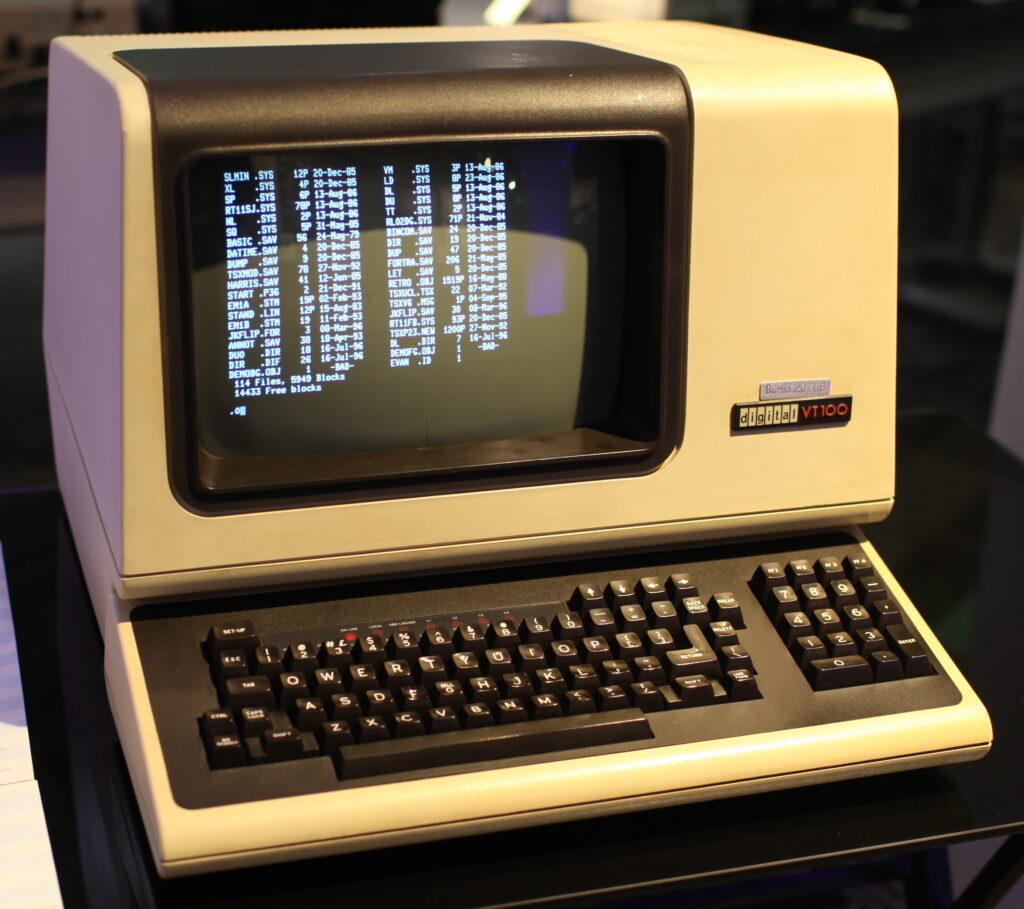
Digital Equipment Corporation (DEC) stopped being an independent company in 1998, when Compaq bought it for $9.6 billion, and it had already sold its text terminal business three years earlier. Yet almost every modern terminal emulator, from xterm to the integrated terminal in Visual Studio Code, still presents itself to programs as a DEC terminal. When an application asks “what are you?”, the usual answer is that of a 1978 VT100. That legacy explains things sysadmins touch every day: the TERM variable, the terminfo database and more than one SSH headache.
Key points on the VT100 legacy in today’s terminals in 30 seconds
- DEC launched the VT100 in August 1978 with control codes based on ANSI standards.
- Vendors such as Wyse sold cheaper compatible terminals and pushed DEC’s prices down.
- DEC sold its terminal business in 1995, and Compaq bought the company in 1998.
- xterm and its descendants, including VS Code’s terminal, still answer like DEC terminals.
- That is why TERM, terminfo and new emulators still lean on names like xterm or vt100.
The story was recently retold in an analysis built on Datapro and Dataquest reports and 1980s Datamation advertising. Here we expand it with technical documentation and, above all, with what it means in practice for people who run servers.
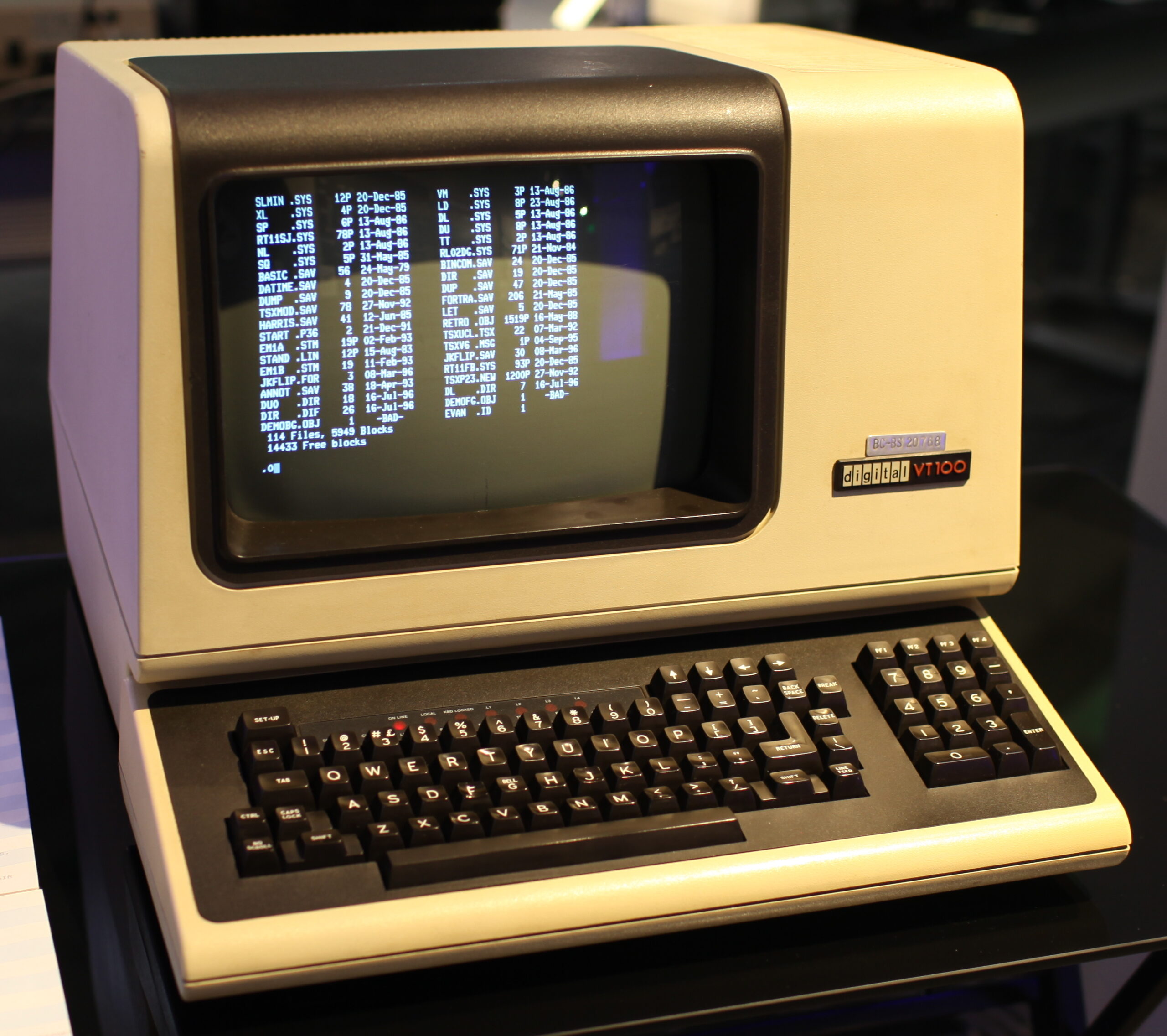
A three-byte question that still gets the same answer
Video terminals were not dumb screens. They interpreted escape sequences sent by the host to move the cursor, erase lines or change text attributes, and they also answered questions. The most basic is the Primary Device Attributes request (DA1): the program sends ESC [ c and the terminal replies with its identity.
The xterm control sequences documentation, maintained for decades by Thomas Dickey, lists the possible replies. One of them, ESC [ ? 1 ; 2 c, means “VT100 with Advanced Video Option”, an extension of the original VT100. Another, starting with ESC [ ? 62, belongs to the VT220 family, and its parameters do describe specific capabilities such as 132 columns, a printer port or national character sets. The xterm.js library, which powers VS Code’s integrated terminal, answers that request with the same VT100-with-Advanced-Video string.
You can check what your own terminal says. From bash, using the u9 terminfo capability, which in xterm-style entries holds exactly the DA1 request:
# Ask the terminal for its identity and print the reply in readable form
tput u9; read -rs -d c -t 1 resp; printf '%sc' "$resp" | cat -v

# Typical output on xterm.js or a "VT100 with Advanced Video" terminal:
# ^[[?1;2cCode language: PHP (php)
If tput prints nothing, that terminal’s terminfo entry does not define u9, which is normal outside the xterm family. infocmp -1 | grep u9 tells you whether the capability exists.
A costume anyone could sew
DEC introduced the VT100 in August 1978. The company described it as its first ANSI-compliant video terminal, because its control sequences followed a subset of the standards later formalized as ANSI X3.64, written by a committee in which DEC was one member among many. That choice had an unexpected consequence: what made the host treat a device as a VT100 was not the box itself, but the codes it obeyed and the replies it sent back. Any vendor that imitated them could sell its terminal to customers running software written for DEC.
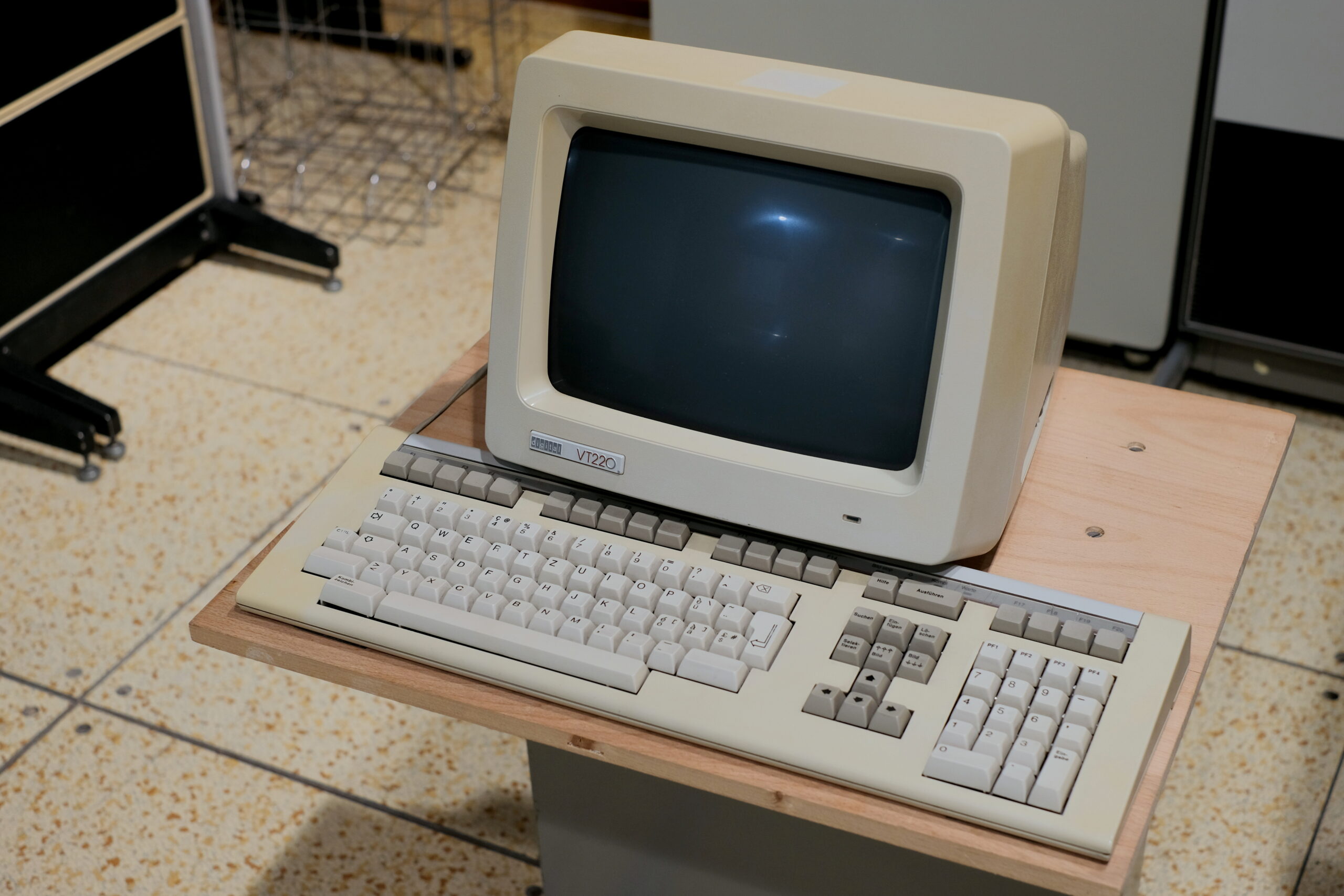
Plenty did. DEC followed the VT100 with the VT220, launched in November 1983 with the LK201 keyboard that popularized the inverted-T arrow keys. It launched at $1,295 and eventually sold for $795 as compatibles squeezed it. Ampex sold its 220 model as a direct VT220 clone, and in January 1985 Wyse launched the WY-85, which Datapro reports describe as VT220 compatible. Wyse, which also had its own native modes such as those of the WY-50 and WY-60, rose to the top spot among independent ASCII terminal makers, with more than 750,000 units delivered according to the same source.
The market filled up with terminals offering selectable “personalities”. The same device could behave as a VT100, a VT220, a Wyse 60 or a TeleVideo depending on what the host expected. The Wyse WY-520 brochure, for example, advertised VT420, VT320, VT100 and VT52 compatibility on top of Wyse’s own modes. Compatibility had become the product.
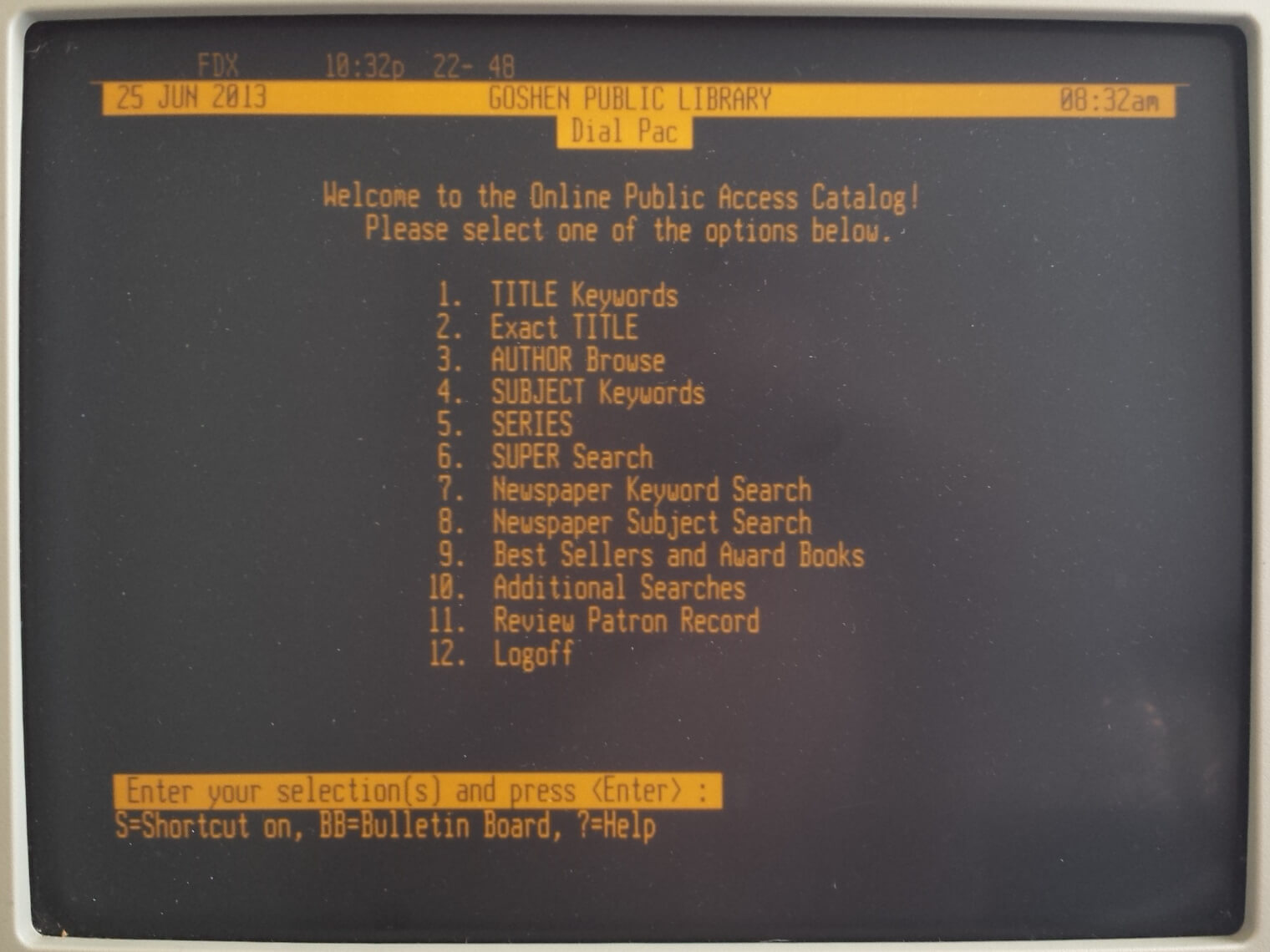
The PC ate the hosts, and DEC sold the terminals
The price war is not what ended the business. Terminals existed to work against minicomputers and shared hosts, and by the late 1980s local networks and ever more powerful personal computers began to replace that model. Fewer host sales meant fewer terminal sales.
On 30 August 1995, DEC announced the sale of its text terminal business to SunRiver Data Systems, an Austin, Texas company that had already bought AT&T’s ADDS terminal division and that renamed itself Boundless Technologies in 1996. According to Boundless’s own history, it moved VT manufacturing from Taiwan to Long Island. The VT510, VT520 and VT525 kept selling under its brand and, in a neat twist, added emulation of the Wyse terminals that had once imitated DEC. Boundless kept the VT520 on sale until it shut down in 2003.
DEC itself was absorbed. On 26 January 1998, Compaq announced a merger agreement valued at $9.6 billion based on its 23 January share price: Digital shareholders received $30 in cash plus about 0.945 Compaq shares for each share. It was the largest acquisition in computing history up to that point. Compaq in turn merged into HP in 2002.
The answer survived in software: xterm, TERM and terminfo
When physical terminals left the desks, their programs still expected to talk to one. xterm, the X Window System terminal, took on that role: its manual page says it emulates the DEC VT102 and VT220 plus selected features from higher-level models such as the VT320, VT420 and VT520. Nearly every other emulator inherited from xterm, including GNOME Terminal, Konsole, iTerm2, Windows Terminal and VS Code’s terminal.
The other pillar is the TERM variable. Programs that draw text interfaces, such as vim, htop, less or tmux, mostly do not ask the terminal what it can do. They read TERM and look up that entry in the terminfo database, which tells them which sequences to use. That is why almost every emulator announces itself as xterm-256color or with a name starting with xterm: many applications search for that string to decide whether to enable colors or certain keys.
Ghostty is the most recent example. Its documentation explains that during the private beta the team tried a TERM value of its own, plain ghostty, but too many applications broke and fixing the whole ecosystem was not realistic, so they settled on xterm-ghostty. Even a terminal written from scratch in 2024 has to carry xterm’s surname.
What this means when you run servers
This legacy shows up as very concrete problems. The most common one: connecting over SSH from a modern terminal to a server whose terminfo does not know that name. The symptoms are messages like “missing or unsuitable terminal”, a clear that does nothing or a backspace key that prints garbage. A few commands help diagnose and fix it:
# Which terminal the current session announces
echo "$TERM"

# Does this system know that entry? Show its capabilities
infocmp -1 "$TERM" | head -20

# List available VT-family entries
toe -a | grep -i '^vt'

# Copy your local terminal's entry to a remote server
infocmp -x xterm-ghostty | ssh user@server -- tic -x -

# Alternative: force a generic TERM for SSH only (in ~/.ssh/config)
# Host *
#     SetEnv TERM=xterm-256colorCode language: PHP (php)
Copying the entry with tic is the fix Ghostty’s documentation recommends, and it works the same for kitty, WezTerm or any terminal that uses its own name. Forcing xterm-256color is quicker, though you lose whatever features the terminal adds on top of xterm. And client-side SetEnv only works if the server allows that variable in its AcceptEnv directive; otherwise, set it in the remote shell profile.
On serial consoles, KVM switches and network gear, the VT100 is still the default reference. Many out-of-band management consoles, switches and appliances expect a vt100 or vt220 terminal, and tools such as screen, minicom or picocom behave better when TERM matches what the remote device expects. When a text interface looks broken on a serial console, export TERM=vt100 often brings it back.
Forty-eight years after its launch, the VT100 sits on no desk, but its control codes live inside every SSH session, every terminal embedded in an editor and every serial console. The rivals who copied DEC to undercut it ended up helping turn its way of talking to a computer into the standard nobody has managed to leave behind.
FAQ
What was the DEC VT100?
A video terminal introduced by Digital Equipment Corporation in August 1978, whose ANSI-based control sequences became the reference that today’s terminals emulate.
Why do most terminals use TERM=xterm-256color?
Because many applications look for the string xterm in TERM to decide which capabilities to enable, and that entry exists in the terminfo database of practically every system.
How do I fix “missing or unsuitable terminal” over SSH?
Copy the terminfo entry to the server with infocmp -x and tic -x, or use a generic TERM such as xterm-256color for that connection.
Who bought DEC’s terminal business?
SunRiver Data Systems, which announced the deal on 30 August 1995 and renamed itself Boundless Technologies in 1996.
Sources: