
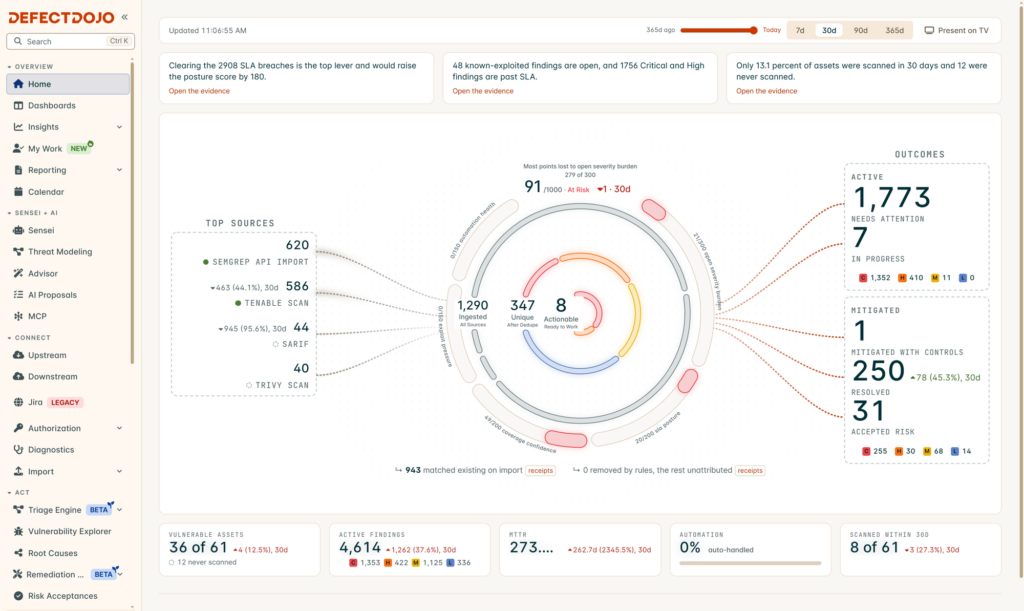
DefectDojo is an open-source vulnerability management platform that gathers results from security scanners and tests in one place, removes duplicate findings and lets teams track each issue until it is fixed. It is written in Python on Django, released under the three-clause BSD licence, and its community edition is an OWASP project, the foundation focused on web application security.
DefectDojo key facts in 20 seconds
- Centralises scanner findings, deduplicates them and tracks remediation.
- Free BSD-licensed edition plus a commercial Pro edition.
- Installs with Docker Compose in a few minutes.
- SSO, LDAP and MFA are reserved for Pro.
The problem it solves is familiar to any team running security tests with several tools. A dependency scan, a container scanner, a DAST tool and a manual audit all produce reports in different formats, with repeated findings and no shared place to decide what gets fixed first. DefectDojo imports those reports, normalises them and tracks every vulnerability: who has seen it, which product it affects, whether it has been fixed or the risk accepted.
What it does: from scattered reports to a risk inventory
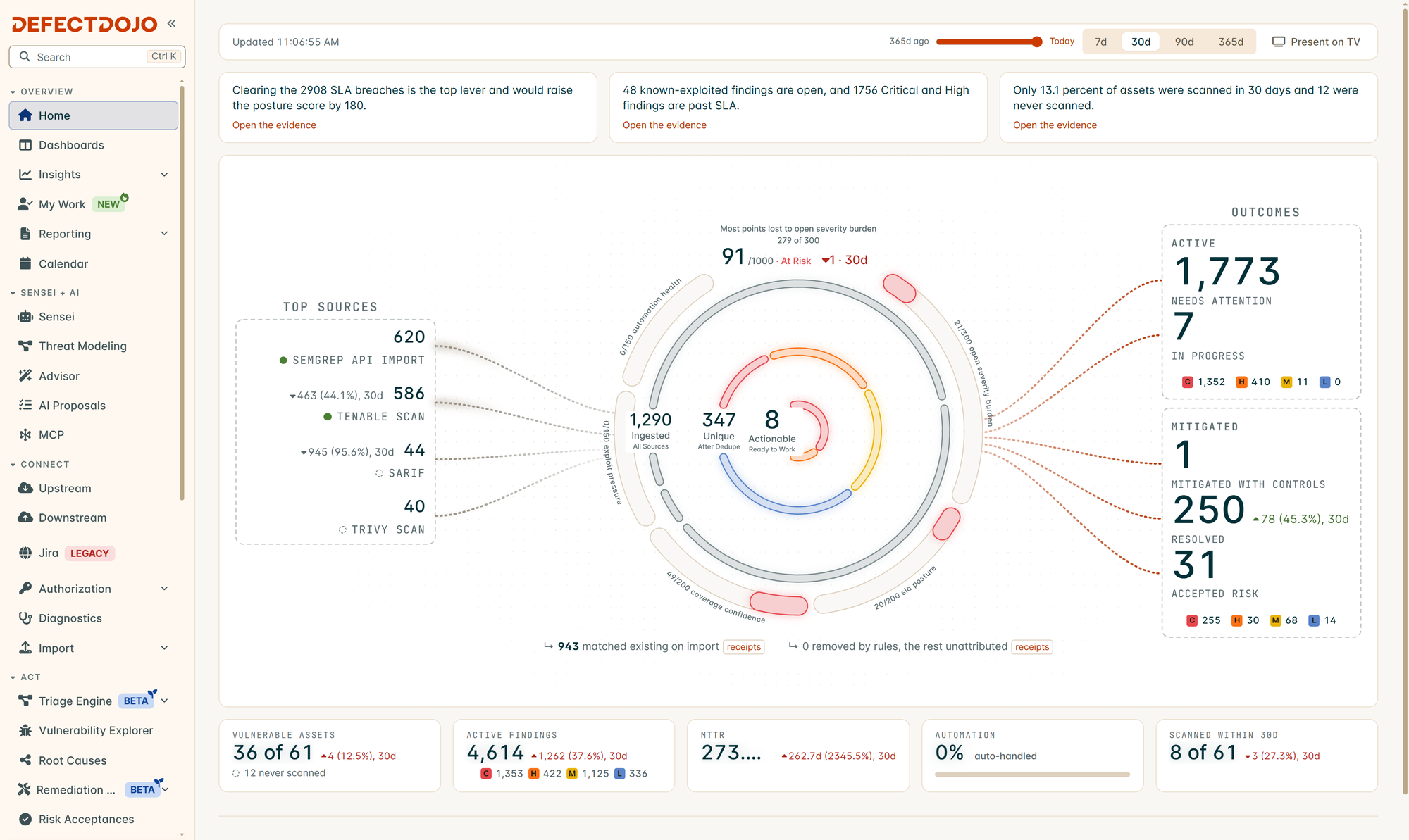
The project describes itself as a DevSecOps, ASPM (application security posture management) and vulnerability management tool. In practice it orchestrates security testing, records findings, deduplicates them, manages remediation and produces reports. Its list of supported parsers is long and covers formats from the most common commercial and open-source scanners; the full list is in the official documentation.
What makes it useful in continuous integration is its REST API v2. A pipeline can upload each scan report when the build finishes, so DefectDojo becomes the central inventory without manual work. Clients and wrappers for several languages are linked from the docs. To try it without installing anything, the project runs a public demo of the community edition at demo.defectdojo.org and another of Pro, with credentials published in the README. Both reset daily and should never receive sensitive data.
Installing it with Docker Compose
The open-source edition is deployed with Docker Compose. The quick start clones the repository and brings the services up:
git clone https://github.com/DefectDojo/django-DefectDojo
cd django-DefectDojo
docker compose up -d

# The admin password is printed in the initializer logs
docker compose logs initializer | grep "Admin password:"Code language: PHP (php)
The first initialisation can take up to three minutes, so wait before looking for the password. After that, the obvious advice is to change it, publish the service behind a reverse proxy with HTTPS and never expose it directly to the internet, because it will hold a detailed map of the organisation’s weaknesses. In a lab, a quick way to see how it works is to upload the sample reports the project keeps in unittests/scans.
Open-source edition versus Pro
It pays to understand the split before choosing. In the open-source edition authentication uses local accounts: single sign-on with SAML, OIDC or OAuth, LDAP integration and multi-factor authentication are DefectDojo Pro features, according to the documentation. The commercial version adds a new UI, risk-based vulnerability management, connectors for ServiceNow, GitHub, GitLab and Azure DevOps, automatic data enrichment and prioritisation. It is offered as SaaS or self-hosted on Kubernetes or Docker Compose, and its website advertises prices from 100 dollars a month.
For small teams or labs, the open-source edition covers the essentials: import, deduplicate, prioritise by hand and document. The project is maintained by Greg Anderson and Matt Tesauro with a group of moderators, and accepts security reports through its disclosure policy.
Frequently asked questions
Is DefectDojo free?
The community edition is free and open source under the three-clause BSD licence. There is also a paid Pro edition with extra features.
How do I get the admin password?
It is printed in the initializer container logs. Run docker compose logs initializer and filter for “Admin password:” after waiting up to three minutes.
Does the open-source edition support SSO or LDAP?
No. It uses local accounts; SSO with SAML, OIDC or OAuth, LDAP and MFA are Pro features.
Can it be integrated into a CI/CD pipeline?
Yes. Its REST API v2 lets pipelines upload scanner reports at the end of each run.
Sources: