
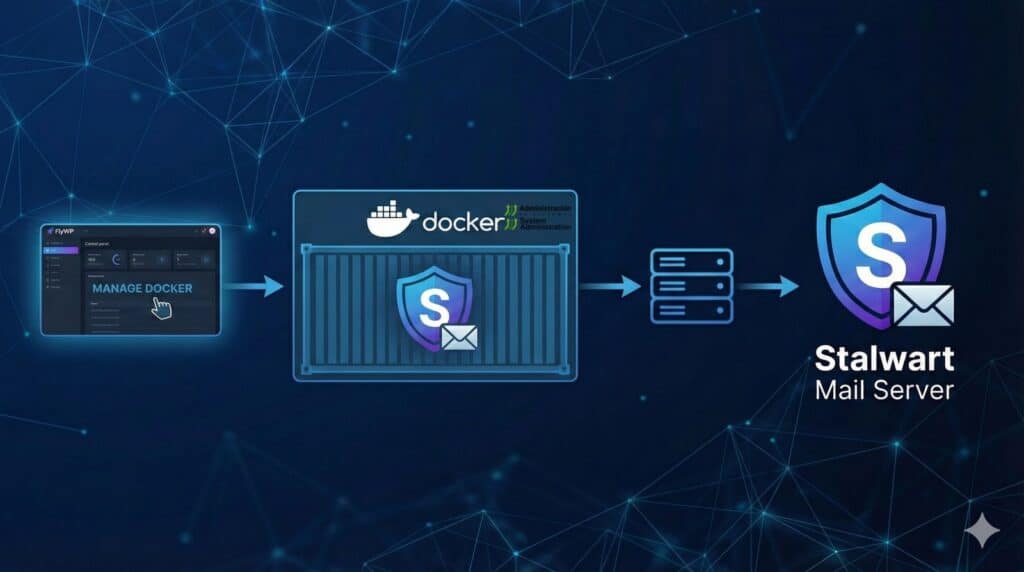
Running a self-hosted mail server has traditionally been one of those “hard mode” infrastructure projects: DNS records everywhere, tricky ports, reputation problems, and the constant fear of getting flagged as spam. But the self-hosting landscape has changed. Modern container workflows and platforms that automate parts of the plumbing (like TLS for web front-ends) have made it easier to deploy serious services without weeks of setup.
That’s where Stalwart Mail Server comes in: a modern, open-source mail server written in Rust, designed as an all-in-one stack with administration and core services packaged together.
On the other side, tools like FlyWP popularize a pragmatic pattern: start with a simple “HTML site” template (typically an Nginx container), then add your own services via Docker Compose, using the existing web entry point as a reverse proxy when needed. The core idea is straightforward: if you can publish a site securely, you can also place other services behind it—and for email, you additionally expose the required mail ports.
The approach: keep Nginx as the base, add Stalwart as a service
The workflow described in your guide revolves around three building blocks:
- A running Nginx base (ideally already handling HTTPS for the web layer).
- A
docker-compose.ymlwhere you keep the Nginx service unchanged and add astalwartservice. - An Nginx config update to proxy web traffic to Stalwart’s internal HTTP interface (for the admin UI).
The key operational detail: Stalwart is given a persistent volume so configuration and mail data survive restarts. With mail servers, persistence is not optional.
Ports: what you should understand before opening anything
Stalwart is not “just a web app”—it’s email. That means mail protocols and well-known ports. Typical deployments map ports for SMTP and IMAP (plus optional services like ManageSieve), and expose an HTTP interface for administration depending on your setup.
Your example uses a classic set:
- 25 (SMTP)
- 587 (Submission with STARTTLS)
- 465 (SMTPS)
- 143 / 993 (IMAP / IMAPS)
- 4190 (ManageSieve)
And it proxies the web UI through Nginx to Stalwart (in the example, Stalwart’s internal HTTP listens on 8080 in the container and Nginx forwards requests to it).
One real-world caveat: many VPS/providers block outbound port 25 by default to limit abuse. If you want reliable delivery to the wider internet (not just local testing), this is often the difference between “it runs” and “it delivers.”
What Docker Compose is doing here, step by step
Without rewriting the guide verbatim, the practical flow looks like this:
- Create the base site (HTML template), then SSH into the server.
- Stop running containers (
docker compose down) to edit safely. - Create a persistent data directory (e.g.,
./data/stalwart). - Edit
docker-compose.ymland add thestalwartservice:- Image
stalwartlabs/stalwart:latest - Port mappings (mail + ManageSieve)
- Persistent volume mapped to
/opt/stalwart - Same Docker network as Nginx so proxying by service name works
- Image
- Update Nginx config to proxy to
stalwart:8080. - Start everything with
docker compose up -d.
A helpful first-boot detail: Stalwart can output initial admin credentials (e.g., password) in container logs, which streamlines first login and setup.
What comes next: domain, DNS, and deliverability
Launching the container is only the beginning. For a mail server to work reliably in the real world, you typically need:
- MX records pointing to the right host
- SPF to authorize sending servers for your domain
- DKIM to cryptographically sign outgoing messages
- DMARC to define policy and reporting
- PTR / reverse DNS (if your provider allows it) to reduce rejections
Most mail failures happen here—not in Docker. The main value of the FlyWP + Stalwart pattern isn’t “magic email,” but repeatable deployment and a clean operational model, so you can focus on the things that truly determine success: DNS identity, sending reputation, and security posture.
Why Stalwart is getting attention
Beyond this tutorial, Stalwart fits a broader trend: modern infrastructure tools written in contemporary systems languages (like Rust) and shipped as integrated stacks rather than a pile of loosely glued components. Its “all-in-one” approach aims to reduce the number of moving parts admins must assemble and maintain—especially useful if you want a serious mail service without turning it into a never-ending project.
And in a world where privacy, control, and digital sovereignty are back on the agenda, operating your own services—including email—is increasingly seen as an architecture decision, not just a hobbyist exercise.
FAQ
Can I run Stalwart Mail Server on a VPS if port 25 is blocked?
Yes, but with limitations. You may be able to test locally or support certain workflows, but reliable internet email delivery usually requires outbound port 25 or an alternative strategy (like using an SMTP relay).
Why proxy Stalwart’s web admin behind Nginx instead of exposing it directly?
It lets you centralize HTTPS termination, apply security headers, rate limits, access controls, and keep the web entry point consistent on your domain without exposing the internal port.
What are the minimum ports for a modern mail setup with secure IMAP and authenticated sending?
In practice, 587 (Submission) for authenticated sending and 993 (IMAPS) for secure mailbox access cover most users. Port 25 is used for server-to-server delivery, and 465 remains common for SMTPS in some clients.
Is self-hosting email a good idea for a small business or personal project?
It depends. If control, compliance, and learning matter, it can be worth it. If you need “hands-off” operations and top deliverability from day one, a specialized provider is often more efficient.