
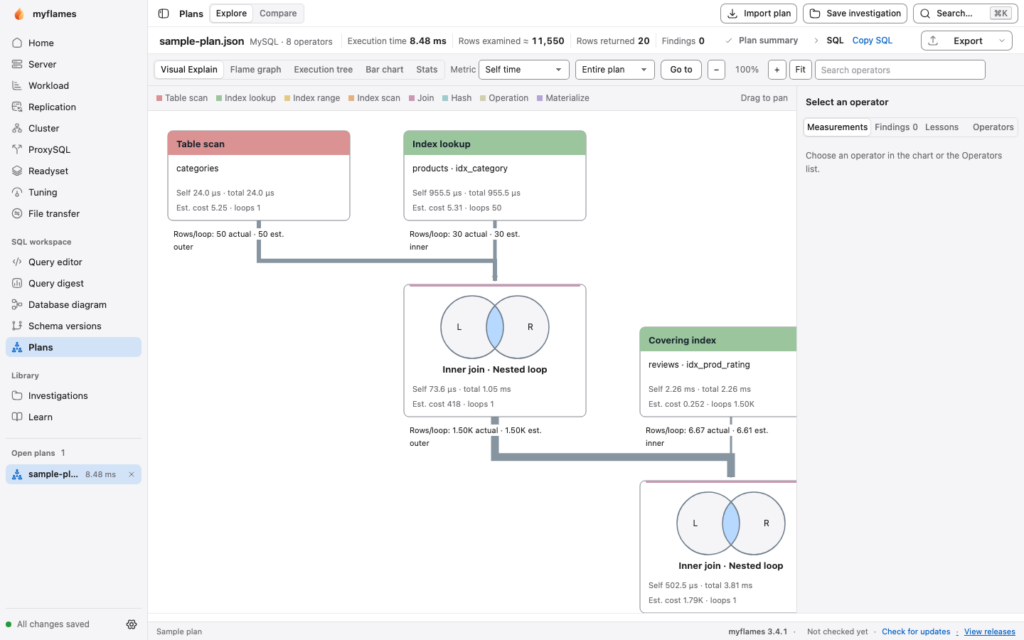
myflames, an open-source tool that started by turning MySQL and MariaDB EXPLAIN ANALYZE output into flame graphs, now bundles query analysis, server diagnostics and schema management into a desktop app. Its author has relaunched it with builds for macOS and Windows and pitches it as the place to investigate database health and manage it.
myflames key points in 30 seconds
- Shows query plans as flame graphs, execution trees, bar charts and Visual Explain diagrams.
- Adds live metrics, InnoDB, waits, I/O, active sessions, lock trees and configuration checks.
- Includes schema diagrams, saved versions, cross-server comparison and reviewable sync scripts.
- Labels connections as Production, Development or Read-only, with a local audit trail.
- Supports MySQL 5.7+, MariaDB 10.11+ and Percona Server; current versions are Apache 2.0.
Reading a text query plan gets tedious once a statement has several joins and subqueries. myflames builds on Brendan Gregg’s FlameGraph work and applies it to MySQL and MariaDB plans: each operator’s width is proportional to its time, so the bottleneck is obvious at a glance.
What it can do
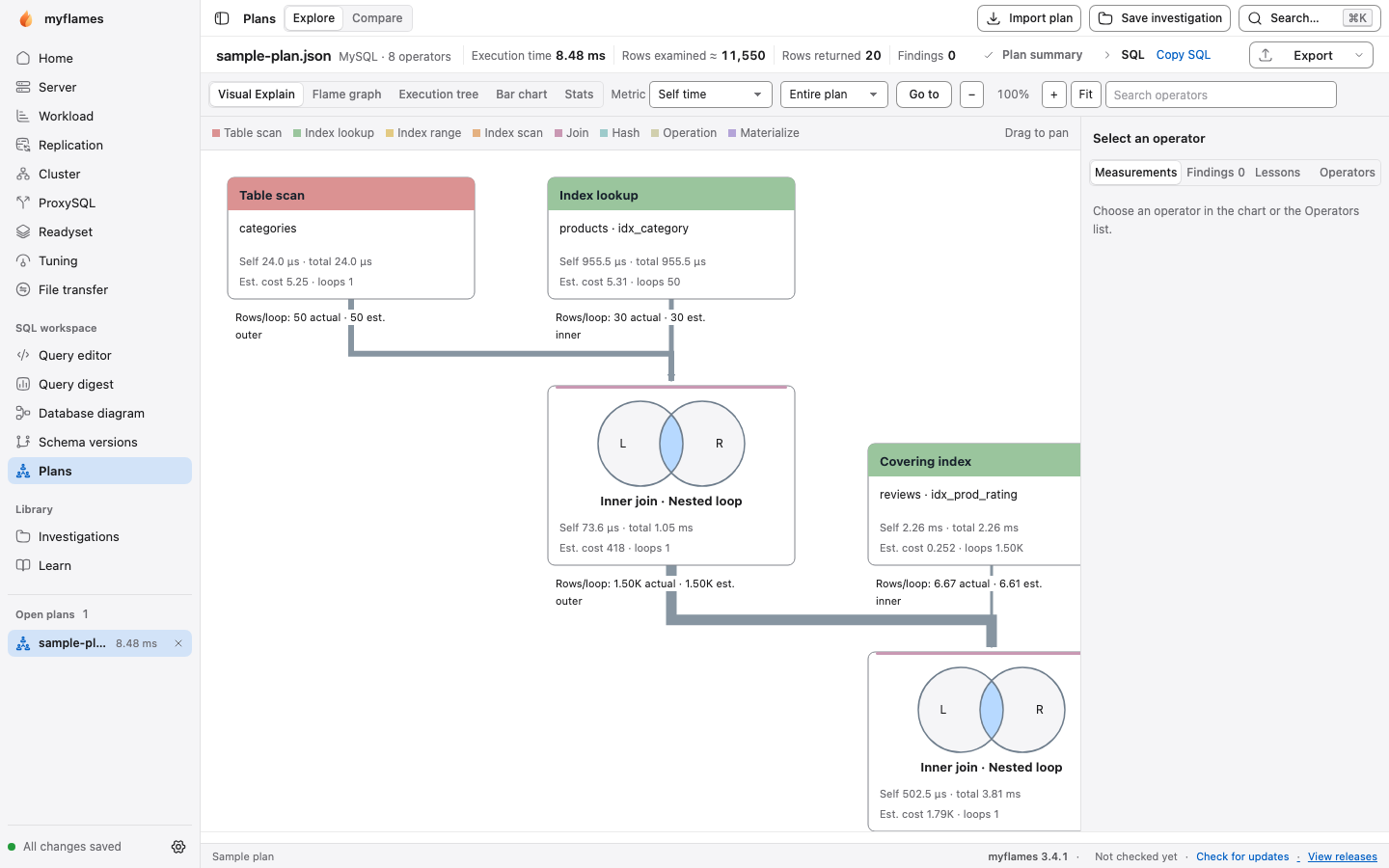
On the query side, myflames opens saved plans, captures them from a live connection as EXPLAIN or EXPLAIN ANALYZE with parameter binding, timeouts, cancel and up to ten repeats, and also works offline from slow query logs. It compares two captures, for example before and after adding an index, and exports analysis as HTML or JSON with literal values hidden. An advisor suggests index, query and server-setting changes, which the repository itself says should be treated as candidates to test rather than recipes.
The server side covers live metrics, InnoDB, waits, I/O, active sessions, blocking trees, configuration checks and a full analysis report. Schema tools include diagrams, saved versions, cross-server definition comparison and generated sync scripts to review before use. In his announcement the author also mentions killing queries, fragmentation analysis, data and schema export/import, and working with MySQL Shell, Readyset and ProxySQL; those features are not yet detailed in the public documentation we reviewed.
For the command line and CI there are digest, advise and check subcommands, the last one with exit codes meant for pipelines, plus an MCP server for AI agents.
Safety, requirements and installation
Connections are labelled Production, Development or Read-only, protected actions require reviewing the exact SQL, and a local audit trail is kept. Passwords are not stored in the workspace, which keeps plans, notes and baselines in ~/.myflames/workspace.sqlite3, and live connections pass credentials to the client through an owner-only temporary file. Remember that EXPLAIN ANALYZE actually runs the query, so it is not something to fire at a heavy statement on a production primary at peak time.
It supports MySQL 5.7 or later, MariaDB 10.11 or later and Percona Server for MySQL; timed JSON plans need MySQL 8.3 or later. There is a signed and notarized macOS app for Apple Silicon and an unsigned preview for Windows x64. On Linux and elsewhere it installs with pip install myflames or pipx, and live connections need the mysql or mariadb client. Current versions are licensed under Apache 2.0; releases up to 2.3.0 used CDDL 1.0.
Frequently asked questions
What is myflames?
An open-source tool that visualizes MySQL and MariaDB query plans as flame graphs and now includes server diagnostics and schema management.
How do I install it on Linux?
With pip install myflames or pipx install myflames. Live connections need the mysql or mariadb client.
Is it safe to use against production?
It has read-only policies and exact-SQL review for protected actions, but EXPLAIN ANALYZE runs the query, so use it with care.
What license does it use?
Apache 2.0 for current versions; releases up to 2.3.0 used CDDL 1.0.
Sources: