
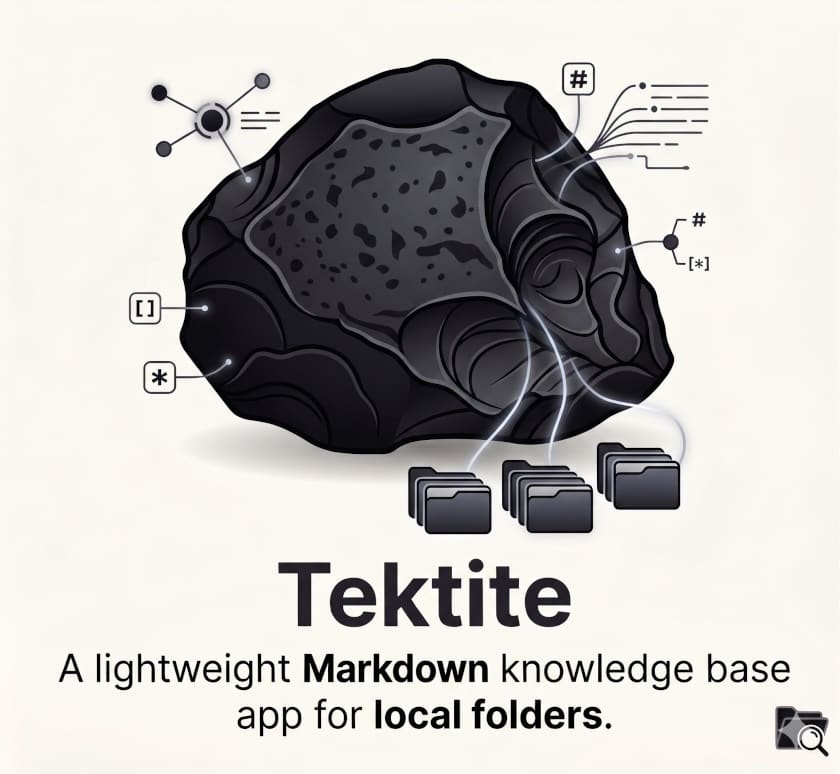
Tektite has arrived almost as a statement of intent. In a market full of note-taking apps with proprietary sync, user accounts, extensions, built-in artificial intelligence, plugin stores and premium services, this new open source project proposes the opposite: a local folder of Markdown files, links between notes, live preview, a visual graph and Git as the sync mechanism.
The app was published by Mathias Conradt and presents itself as a lightweight, open alternative to Obsidian for macOS and Linux. It is still at a very early stage, with 0.1.x releases and rapid activity during its first days of life. At the time of review, Tektite had 12 stars, 81 commits and 15 releases, with version v0.1.16 published on 23 May 2026. It is a small project, but interesting because of the clarity of its position.
Its README is unusually direct: there is no login, cloud sync service, telemetry, remote storage, account system or plugin system. The vault is simply a folder on disk, and if the user wants sync, Git works well enough. That sentence does not just describe a technical feature. It defines a way of understanding personal knowledge tools at a time dominated by closed platforms and subscriptions.
Markdown, folder and Git as architecture
Tektite starts from a simple idea: notes should live in ordinary Markdown files, inside a local folder that the user can open, copy, version or sync without depending on a proprietary database. The application can open any folder as a vault, browse the file tree, create notes and folders, search by name, path or content, use tags, preview Markdown live and display links between notes through a graph.
It also includes features designed for daily writing: autosave, native undo and redo, dark mode by default, resizable panes, internal [[wikilinks]], link insertion with @, drag-and-drop image import from Finder, and automatic updating of Markdown references when an image is moved inside the file tree.
| Feature | What it adds |
|---|---|
| Local folder as vault | Notes remain accessible files in the operating system |
| Markdown | Readable, portable and easy to version |
[[wikilinks]] | Internal links between notes to build a connected knowledge base |
| Note graph | Visual representation of relationships between documents |
| Git integration | Pull, add, commit and push from inside the app |
| No login or cloud | Less dependence on external services |
| No telemetry | More control over the working environment |
| No plugins | Less complexity and less external maintenance |
The Git integration is deliberately minimal. It does not try to create its own sync service or hide the process behind a complex layer. The button runs a basic sequence: git pull --ff-only, git add -A, git commit and git push. For some users, that will feel unsophisticated. For others, that is precisely the point: there is no cloud to migrate, no account to recover and no private API that can disappear.
The trend: the vault as shared memory between humans and agents
Tektite arrives at a moment when Markdown is regaining importance as an exchange format between people, repositories and AI agents. Not because it is new, but because it is simple, human-readable and easy for machines to process. A .md file can live in Git, open in any editor, become part of a knowledge base, feed an agent or turn into documentation.
That idea connects with a broader trend: the vault as durable memory. At one end, a human writes and organizes notes. At the other, an AI agent can read, summarize, generate or update knowledge fragments. If both work on Markdown files, the boundary between personal editor, project documentation and agent memory becomes more flexible.
Tektite’s interest is not in competing with every feature of Obsidian, Notion, Logseq or similar apps. In fact, its rejection of a plugin system points in the opposite direction. The application wants to be small, explicit and predictable. It does not aim to become a platform inside another platform. Its editorial position is that the substrate matters most: Markdown, folder and Git.
| Platform approach | Tektite approach |
|---|---|
| User account | Local folder |
| Proprietary cloud | Git or an external sync chosen by the user |
| Internal database | Plain Markdown files |
| Plugin marketplace | Small set of built-in features |
| Telemetry | No tracking declared in the README |
| Expansive experience | Deliberately reduced experience |
That does not mean giving up plugins is always better. Plugins have made Obsidian a very powerful tool for many users. They enable calendars, tasks, database integration, advanced templates, publishing, automation and highly customized workflows. But they also add dependency, maintenance, compatibility issues and concerns in corporate environments where third-party extensions may be restricted.
Tektite sits on the opposite side: fewer possibilities, fewer moving parts and more control over the final format.
An alternative still at a very early stage
It is important not to overstate its reach. Tektite is at version 0.1.x, with few public users, no large community around it and a maturity level still to be proven. The pace of releases in its first days shows activity, but also indicates that the project is changing quickly. It is not yet a tool that should be compared with established apps in terms of stability, ecosystem or support.
Its value lies more in the direction it points to. Instead of accumulating features, it proposes reduction. Instead of cloud by default, local disk. Instead of proprietary sync, Git. Instead of a plugin store, a small set of included functions. Instead of telemetry, a declared absence of tracking.
For developers, technical profiles, writers, researchers or teams that prefer auditable tools and open formats, that combination may be attractive. It may also appeal to organizations where certain commercial apps are not allowed by internal policy, although in that case the code, packaging, dependencies and maintenance model should still be reviewed before adoption.
The Apache-2.0 license also helps. It allows use, modification and distribution under broad terms, which can make adoption easier in environments where licensing matters. It does not, by itself, turn the project into an enterprise tool, but it reduces legal barriers compared with more closed alternatives.
Tektite is small, perhaps too young to recommend as a primary working tool without reservations. But its appearance says something about the current moment. After years of productivity built around closed clouds, extensions and increasingly complex services, a simple question is returning: what if a personal knowledge base only needed to be a well-edited folder of Markdown?
Tektite’s answer is clear. It does not want to be a platform. It wants to be an editor with a graph, local files and Git. In 2026, that simplicity is starting to look less like a limitation and more like a position.
Frequently asked questions
What is Tektite?
Tektite is an open source Markdown knowledge base app for macOS and Linux. It lets users open a local folder as a vault, write notes, see a live preview and explore links through a graph.
Does Tektite have cloud sync or user accounts?
No. The project explicitly states that it does not include login, cloud sync, telemetry, remote storage or an account system.
How does Tektite sync notes?
It does not provide its own sync service. If the vault is managed with Git, the app can run a sync flow from the interface using pull, add, commit and push.
Can it replace Obsidian?
It depends on the use case. It may interest users looking for a lightweight alternative without plugins, but it is still a very early-stage project and does not offer the ecosystem or maturity of more established tools.