
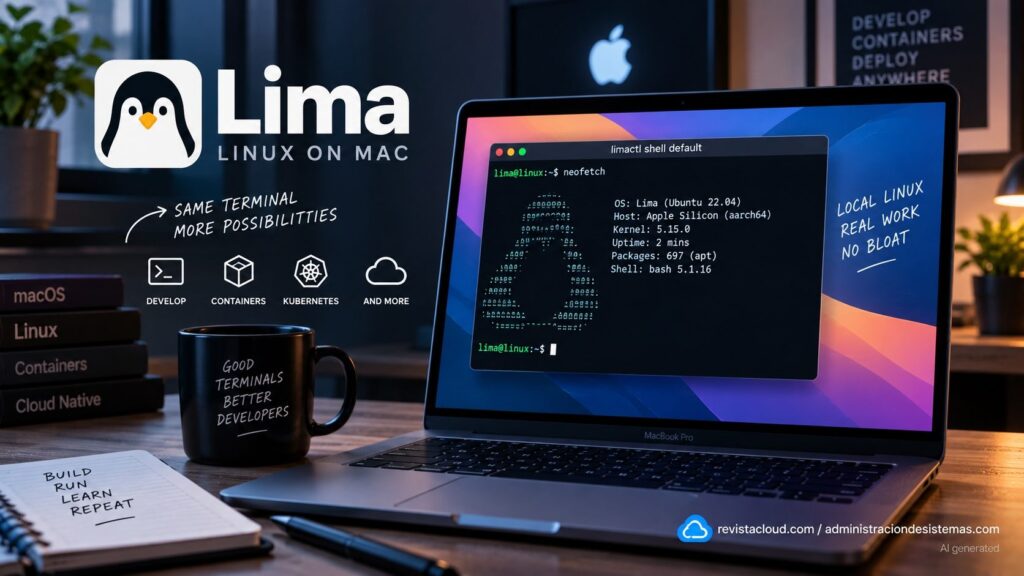
Lima, short for Linux Machines, has become one of the simplest ways to run Linux on macOS without relying on a traditional full-desktop virtual machine. The project creates lightweight Linux environments with automatic file sharing and port forwarding, focusing particularly on developers who work from the terminal and need containers, Kubernetes, or a Linux distribution without installing a heavier virtualization platform. Its official GitHub repository currently has more than 21,800 stars.
The key facts about Lima in 20 seconds
- Lima runs lightweight Linux virtual machines on macOS with automatic file sharing and port forwarding.
- It can be used with containerd, Docker, Podman, Kubernetes, or as a conventional Linux machine.
- Projects including Colima, Rancher Desktop, and Finch use Lima as part of their architecture.
- Installation through Homebrew is straightforward, while management remains command-line driven.
- Lima is an incubating project at the Cloud Native Computing Foundation.
The comparison with Windows Subsystem for Linux 2 (WSL2) helps explain what Lima is trying to achieve, although the two are not technically equivalent. Microsoft integrates WSL directly into Windows, while Lima uses virtualization to provide an independent Linux system. From a developer’s perspective, however, the intended experience is similar: open a terminal, enter Linux, and continue working without manually managing all the infrastructure of a traditional virtual machine.
This approach also explains why Lima is not intended to replace Parallels Desktop or VMware Fusion in every scenario. Developers who need a complete Linux desktop, graphical applications, or several visually managed virtual machines will find more features in those platforms. Lima is primarily aimed at people who want Linux as a development tool rather than as a second desktop.
Lightweight Linux Directly From the Terminal
Lima’s basic workflow revolves around limactl, its management tool.
On macOS, it can be installed through Homebrew:
brew install limaAn instance can then be started with:
limactl startThe project provides a default configuration, allowing users to get started without first creating a complex configuration file.
Linux commands can be executed directly with:
lima uname -aUsers can also open a shell:
limactl shell defaultCode language: JavaScript (javascript)Available instances can be displayed with:
limactl listCode language: PHP (php)And the default instance can be stopped with:
limactl stop defaultCode language: JavaScript (javascript)This simplicity is one of Lima’s main differences compared with a conventional VM. The project automatically handles much of the configuration that would otherwise require developers to set up network adapters, disks, shared directories, and port-forwarding rules manually.
Lima was originally created to bring containerd and nerdctl to Mac users. Its scope has expanded considerably since then, and it now supports Docker, Podman, Kubernetes, and Linux workloads unrelated to containers.
For example, users can start an instance configured for Docker:
limactl start template:dockerCode language: CSS (css)The Docker client on the Mac can then be pointed at its socket:
export DOCKER_HOST=$(limactl list docker --format 'unix://{{.Dir}}/sock/docker.sock')Code language: JavaScript (javascript)Standard Docker commands can subsequently be used:
docker run --rm hello-worldLima also provides a Kubernetes template:
limactl start template:k8sCode language: CSS (css)The corresponding kubeconfig can then be exposed to macOS so that kubectl can manage the local cluster.
Colima and Rancher Desktop Show How Far Lima Has Come
One of the clearest indicators of Lima’s relevance is the software that already uses it.
Colima, a popular tool for running Docker and Kubernetes on macOS with minimal setup, relies on Lima to provide the required Linux environment.
Rancher Desktop is also listed among its adopters, alongside Finch, which provides a command-line workflow for local container development. Podman Desktop also offers integration with Lima virtual machines.
This puts Lima in an interesting position: many developers may already be using the project without interacting directly with limactl.
Its public repository currently has more than 21,800 stars and around 950 forks, is primarily written in Go, and is distributed under the Apache 2.0 license.
Lima is also currently an incubating project within the Cloud Native Computing Foundation (CNCF).
That status does not mean the CNCF guarantees every technical aspect of the software, but it does reflect Lima’s evolution from a tool designed to solve a specific macOS problem into a component used by several cloud-native platforms.
Sharing Files and Ports Without Configuring a VM From Scratch
Two features make Lima particularly convenient for development: file mounts and port forwarding.
The user’s home directory can be shared with the Linux machine. Depending on the configuration, mounts can be read-only or writable.
A configuration might look like this:
mounts:
  - location: "~"
    writable: false
  - location: "/Users/username/Projects"
    writable: trueCode language: JavaScript (javascript)
This allows developers to keep source code in the normal macOS file system while working with it from Linux when required.
Ports can also be forwarded between the virtual machine and the host. If a Linux application listens on a particular port, Lima can make it accessible from the Mac through localhost.
Explicit rules can also be defined:
portForwards:
  - guestPort: 80
    hostPort: 8080
    proto: tcp
In this example, connections to port 8080 on the Mac are forwarded to port 80 inside Linux.
For a web developer, this means an application can be started inside Linux and opened immediately in a macOS browser without manually configuring bridge networks or additional interfaces.
Apple Silicon, ARM, and x86 Applications
Apple’s move to ARM processors made architecture another important issue for local development.
Lima works natively with Apple Silicon and can run ARM Linux machines, avoiding the overhead of emulating an entirely different processor architecture when applications and container images are available for arm64.
It also provides mechanisms for running x86 software in certain scenarios.
The project’s documentation covers the use of Rosetta on compatible macOS systems to execute Intel Linux binaries inside ARM virtual machines. This can be particularly useful when a container or development tool is not yet available natively for Apple Silicon.
Compatibility, however, does not mean every x86 workload will perform like a native ARM application. For new projects, multi-architecture images remain preferable when available.
Lima can also work with different virtualization backends depending on the host and configuration. Although the project has historically been closely associated with QEMU, modern versions can also take advantage of macOS-native virtualization technologies.
Lima Does Not Remove Virtualization, It Makes It Less Visible
Describing Lima as “Linux without a virtual machine” would be inaccurate.
There is still a VM underneath.
The difference is that users do not have to treat it like a traditional virtual machine. There is no requirement to open a separate window, manually assign virtual hardware before every session, or interact with a Linux desktop.
Lima automates that layer and turns it into something closer to terminal infrastructure.
This makes it conceptually similar to WSL2 from the user’s perspective, even though the implementation is different.
For developers who need to test a script on Linux, launch containers, reproduce a server environment, or maintain tools specific to a particular distribution, that difference in experience can be enough to avoid installing a complete VMware or Parallels environment.
Lima also makes it possible to maintain several instances with different configurations.
A developer could use one machine for Docker, another for Kubernetes, and another as a clean environment for testing packages or automation scripts.
When an instance is no longer required, it can be removed:
limactl delete instance-nameCode language: JavaScript (javascript)Being able to create and destroy environments quickly is particularly useful for tests that might modify dependencies or system configuration.
Lima Is Not Trying to Replace Docker Desktop in Every Scenario
Lima can be used to build an alternative to Docker Desktop, but the base project and Docker Desktop solve different problems.
Docker Desktop includes a graphical interface, integrated management, extensions, and services intended to simplify Docker workflows.
Lima provides the virtual infrastructure on which Docker can run but leaves more decisions to the user.
This is precisely why projects such as Colima exist on top of Lima: they provide a more focused Docker and Kubernetes experience without requiring developers to manage every detail of the underlying VM themselves.
For developers comfortable with the terminal, this separation can be an advantage. Those looking for a fully integrated graphical application may prefer a higher-level solution.
Lima is not intended to replace cloud development infrastructure either. The virtual machine still runs physically on the Mac and remains limited by its CPU, memory, and storage.
Its main value is making local Linux available without forcing developers to maintain a heavyweight, permanently visible virtual machine.
Frequently Asked Questions
What is Lima on macOS?
Lima is an open-source project that runs lightweight Linux virtual machines and automates features such as file sharing, networking, and port forwarding. It is particularly focused on developers and container-related workloads.
Is Lima a WSL alternative for Mac?
It can provide a similar experience from a user’s perspective, but it is not an implementation of WSL. Lima uses virtualization to run Linux on macOS and is not part of Apple’s operating system.
Can Docker be used with Lima?
Yes. Lima provides templates for Docker and can also run containerd, nerdctl, Podman, and Kubernetes. Tools such as Colima use Lima to provide Docker environments on macOS.
Does Lima work on Apple Silicon Macs?
Yes. Lima supports Apple Silicon and ARM Linux systems. It also supports mechanisms such as Rosetta for certain x86 Linux binaries when the macOS version and configuration allow it.