
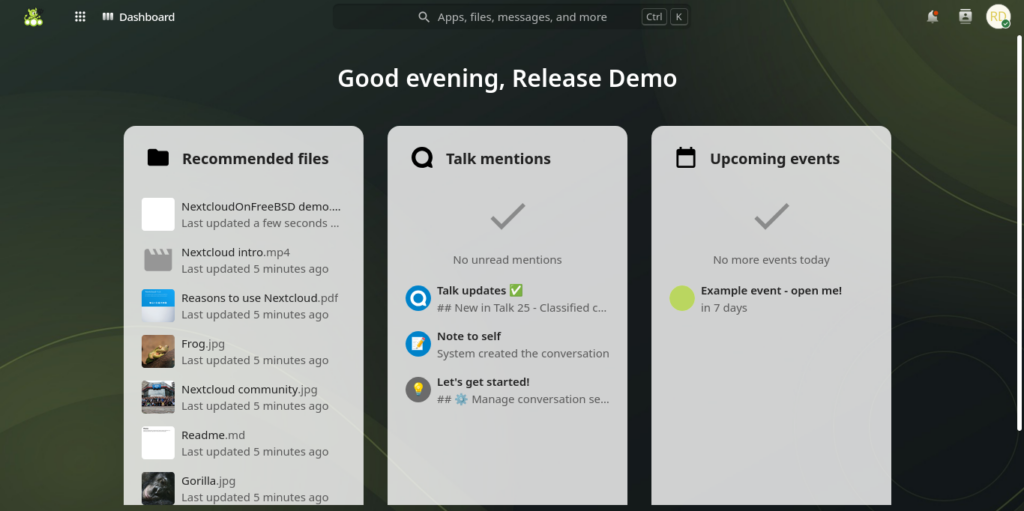
NextcloudOnFreeBSD is an independent installer that deploys Nextcloud on FreeBSD together with the services it needs in production: jails, ZFS storage, a database, HTTPS and an integrated office suite. Its author, Gibran Khan, positions it as an option for administrators who prefer FreeBSD over the official Nextcloud AIO, which targets Docker on Linux.
Key points of NextcloudOnFreeBSD in 30 seconds
- Version 1.0.1 installs Nextcloud 35, PHP 8.5 and MariaDB 12.3 by default on FreeBSD 15 or later.
- Nextcloud runs natively in a FreeBSD jail, with application data on ZFS datasets.
- Office options are native ONLYOFFICE, Euro-Office or Collabora CODE.
- A JSON plan file allows unattended installs.
- It is not an official Nextcloud project, and updates and backups remain the operator’s job.
The project is clear about its scope: it is neither Nextcloud AIO nor an official FreeBSD port of it, but an integrated installer that handles installation and service integration. Ongoing updates and backups stay with whoever runs the server. Spanish sysadmin outlet Administración de Sistemas has also covered the project.
What it installs
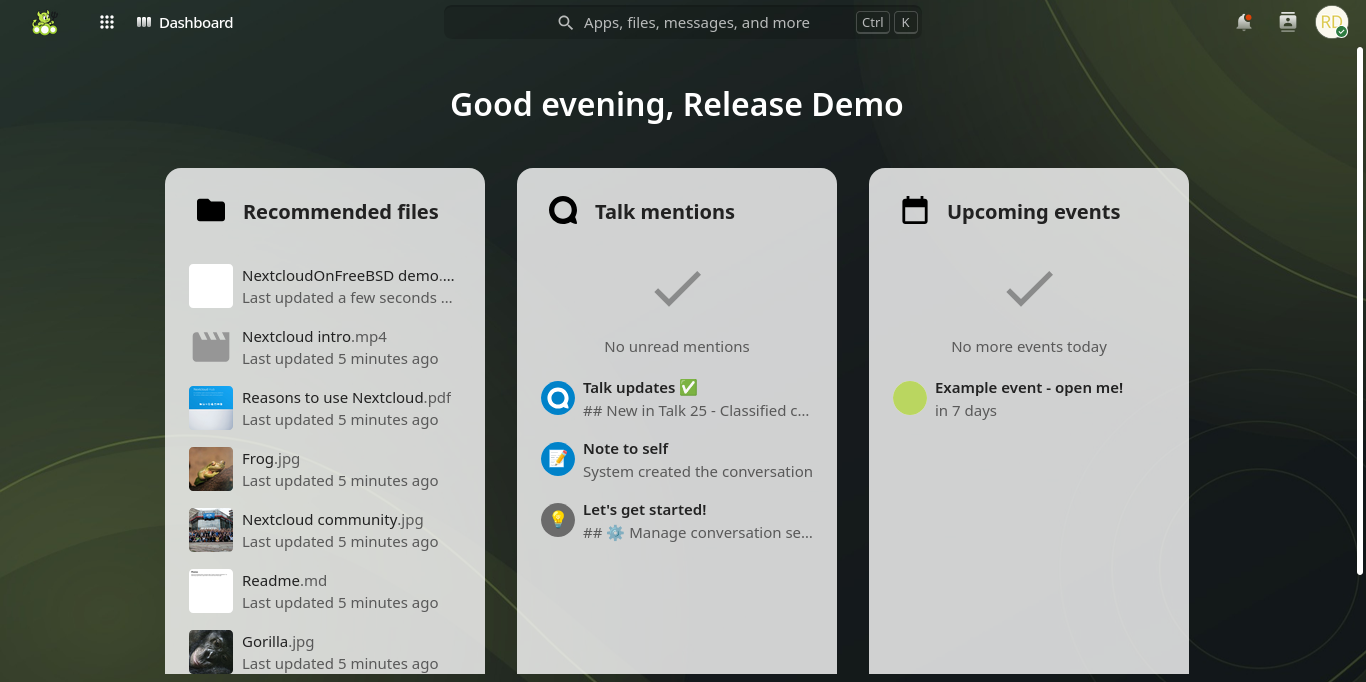
Version 1.0.1 has been tested on FreeBSD 15.1-RELEASE, 15.2-STABLE and 16-CURRENT on amd64. Defaults are Nextcloud 35, PHP 8.5 and MariaDB 12.3, and other versions can be picked under advanced settings, with a warning for untested combinations. Nextcloud runs natively in a jail and stores its data on ZFS datasets.
For office documents, the default is native ONLYOFFICE in Bastille VNET jails. Euro-Office and Collabora CODE run inside bhyve virtual machines with Alpine Linux and Docker, managed with vm-bhyve, and there is a Nextcloud-only option. Optional extras include Client Push, Talk in its own jail (which needs extra call ports) and external storage over SFTP or HTTP, off by default. The office choice cannot be changed after installation.
Requirements and installation
You need a fixed IPv4 address, a public hostname with working DNS, root access, a healthy ZFS pool and at least 16 GiB of RAM for the defaults, plus bhyve or nested virtualization support for the VM-based office options. HTTPS can use Let’s Encrypt, your own certificates or an external reverse proxy. The wizard covers storage, networking, HTTPS and apps, and asks before installing missing packages or Python prerequisites. The main commands are:
sh install.sh install
sh install.sh plan /root/nextcloud-install.json
sh install.sh install --config /root/nextcloud-install.json
sh install.sh remove INSTANCE
The first runs the interactive wizard, the second writes a JSON settings file without touching the host, the third installs from that file and the fourth removes an instance while keeping its data. Keep the installer directory, since it is used for resume, recovery and removal. The installer does not configure your router: forward ports to the FreeBSD host, not to the jails or the VM.
Safety checks before production
Because the installer changes host networking, it asks you to open a new SSH session after applying settings, confirm that access still works and type KEEP before a timer expires. The author recommends keeping a console recovery path and a second SSH session open, forwarding only the chosen web and Talk ports, and scrubbing credentials from logs before sharing them. Retained ZFS datasets and snapshots after removal are not backups, so plan your own backup strategy.
Frequently asked questions
Is NextcloudOnFreeBSD an official Nextcloud project?
No. It is an independent installer, separate from Nextcloud AIO, maintained by its author on GitHub.
Which FreeBSD version does it need?
FreeBSD 15 or later on amd64. It has been tested on 15.1-RELEASE, 15.2-STABLE and 16-CURRENT.
Which office suites are supported?
Native ONLYOFFICE by default, or Euro-Office or Collabora CODE in bhyve VMs. The choice cannot be changed after installation.
Does it handle backups?
No. Updates and backups are the operator’s responsibility; retained ZFS snapshots do not count as backups.
Sources: