
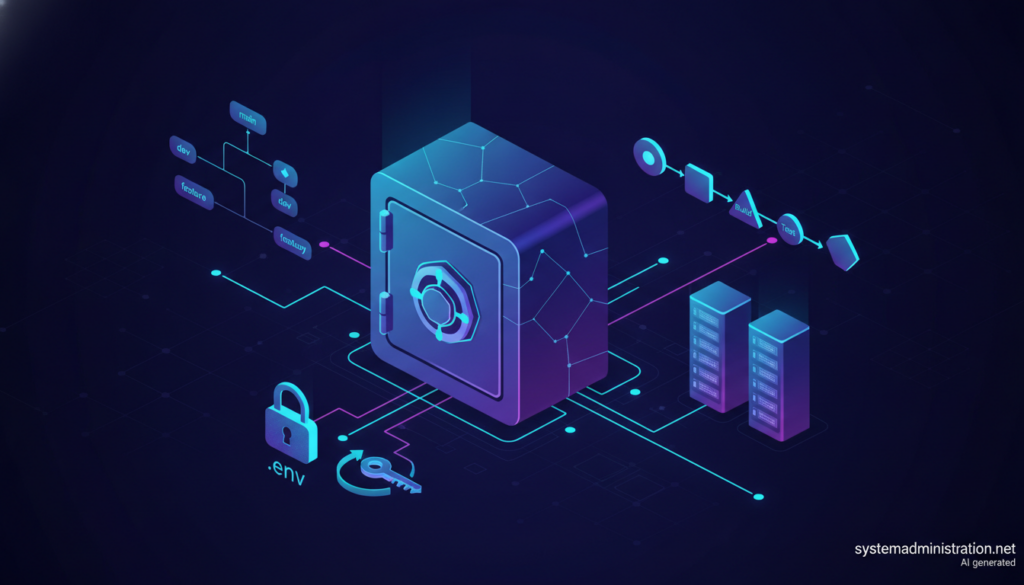
A guide published on 28 October 2026 by consultancy Veduis lays out a staged path for development teams to manage secrets, from tidying up .env files to running HashiCorp Vault or the AWS and Google Cloud secret managers, with one blunt warning: once a key reaches a remote repository, it has to be treated as compromised. Written by Steven Richards, a compliance and security specialist, the piece includes configurations and commands that sysadmins can apply directly.
Key points on secrets management for development teams in 30 seconds
- Real .env files should never reach Git; teams commit a .env.example with empty values instead.
- detect-secrets catches keys before a commit, and Gitleaks scans the full Git history in CI.
- After a leak, the first step is revoking the key, then cleaning the history with git filter-repo.
- Vault and cloud secret managers make sense once a team needs audited, role-based access.
- The guide also advises rehearsing key revocation before any incident.
The starting point will be familiar to anyone who has audited someone else’s repository: .env.production files committed by mistake, passwords shared over chat or email, the same secret in development and production, keys that are never rotated and no record of who accessed what. The guide boils the goal down to three rules: secrets stay out of version control, never travel in plain text, and are governed by role-based access with an audit trail.
Start by fixing .env files and catching leaks
For local development, Richards recommends adding every file holding real secrets to .gitignore and committing only a .env.example with variable names and empty values. He also suggests validating environment variables at startup with a schema (Zod in his example), checking for instance that the database URL has the right prefix or that the JWT secret is at least 32 characters long, and exiting the process if anything fails.
Detection works in two layers. Before a commit, detect-secrets builds a baseline with detect-secrets scan > .secrets.baseline and runs as a pre-commit hook. In CI, Gitleaks scans the whole Git history on every push and pull request, which in GitHub Actions requires a checkout with fetch-depth: 0. GitHub also offers its own secret scanning, automatic on public repositories and available on private ones with Advanced Security.
If a key has already been pushed, order matters. The guide insists on revoking it first, checking the provider’s logs for misuse during the exposure window, and only then rewriting history with git filter-repo --replace-text and a coordinated git push --force-with-lease. Anyone who cloned the repository still holds the old copy.
CI/CD, Vault and cloud secret managers
In pipelines, secrets belong in the platform’s secret store, not in pipeline files. For GitHub Actions, the guide recommends passing them through each step’s env block with the ${{ secrets.NAME }} syntax and using protected environments with required reviewer approval before production deployments.
When a team needs role-based access and auditing, HashiCorp Vault comes in. The guide separates static secrets, stored as key-value pairs, from dynamic ones, short-lived credentials Vault generates on demand. Its example sets up PostgreSQL credentials with a one-hour default lifetime and a 24-hour maximum, with the application refreshing its connection pool five minutes before expiry. It stresses that vault server -dev is for learning only and that production should authenticate through AppRole or Kubernetes. For teams that want an open, self-hosted alternative, systemadministration.net has already covered OpenBao, the community fork of Vault.
On the cloud side, the article shows how to read secrets from AWS Secrets Manager with the JavaScript SDK, caching them for around five minutes, and how to schedule automatic rotation every 30 days with a Lambda function. In Google Cloud, Secret Manager controls access to each secret through IAM bindings. It also covers injection with 1Password: a template file holding op:// references, safe to commit because it contains no values, and the op run command, which hands variables to the process without writing them to disk.
Rotating without downtime, and not over-engineering
To rotate secrets without interrupting service, the guide proposes a window in which two values coexist: the application signs with the new secret but still accepts the previous one. The workflow is to generate the new secret, move the old one to a previous-secret variable, reload every instance, wait for old tokens to expire and then delete the previous secret.
The most practical section covers common mistakes. Deploying Vault for a five-person team is usually premature; such a team first needs a .env.example, a pre-commit hook and CI-scoped secrets. Relying only on post-push scanning is not enough either, because by then the key should be considered exposed. And revocation should be rehearsed before an incident, not during one. The article offers no statistics of its own and cites no external reports on credential leaks.
Frequently asked questions
Should .env files be committed to Git?
Not those holding real values. The guide recommends ignoring them and committing only a .env.example with empty variables.
What should you do if a key is pushed to a repository?
Revoke it immediately, check whether it was used, and then clean the history with git filter-repo and a coordinated force push.
Which tools detect secrets in code?
The guide mentions detect-secrets as a pre-commit hook, Gitleaks in CI and GitHub secret scanning.
When is Vault worth it?
When a team needs role-based access, auditing or dynamic credentials; the basics should come first.
Sources: