
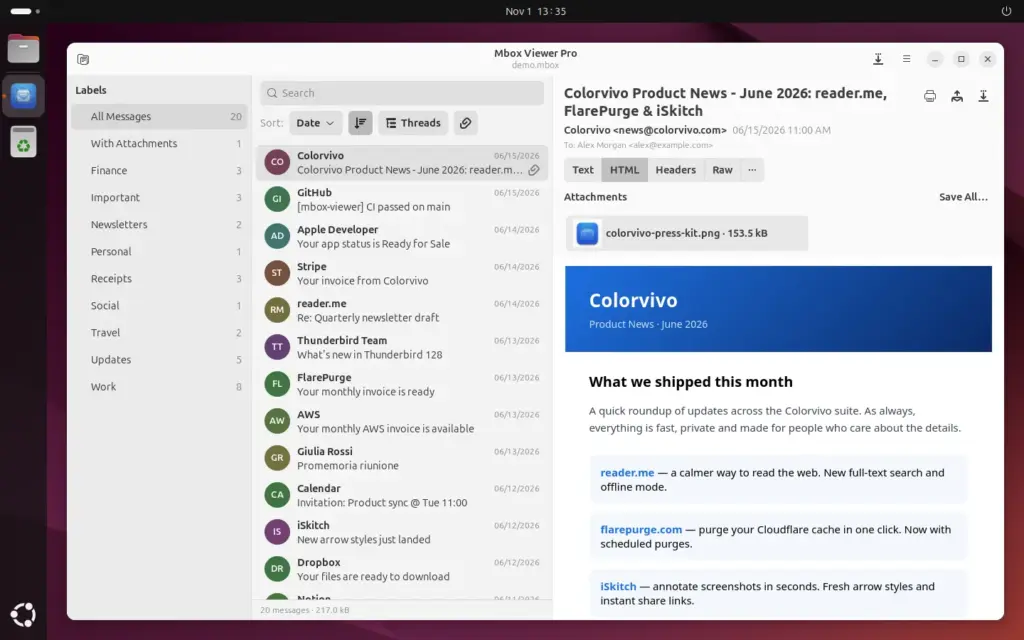
Mbox Viewer Pro, a desktop application for opening and searching email archives in MBOX and EML format, is now available for Linux as a native GTK 4 app in beta, with .deb, .rpm and Flatpak packages for x86_64 and ARM64. Version 2.10.0, released on 1 November 2026 according to the developer’s announcement, uses the same engine as the macOS and Windows versions and works entirely offline.
Key points on Mbox Viewer Pro for Linux in 20 seconds
- Mbox Viewer Pro 2.10.0 opens MBOX mailboxes, Apple Mail .mbox folders and EML messages on Linux.
- It ships as .deb for Ubuntu and Debian, .rpm for Fedora and Flatpak for other distributions.
- The free version handles mailboxes up to 1 GB; a Pro key works on Linux, macOS and Windows.
MBOX files turn up regularly on a sysadmin’s desk: a Google Takeout export of a departing employee’s Gmail account, a Thunderbird profile from an old workstation, an Apple Mail archive or a mailbox pulled from a server for a legal hold. Mbox Viewer Pro is developed by the Spanish company Color Vivo Internet and until now it was only available for macOS and Windows.
What the Linux version does
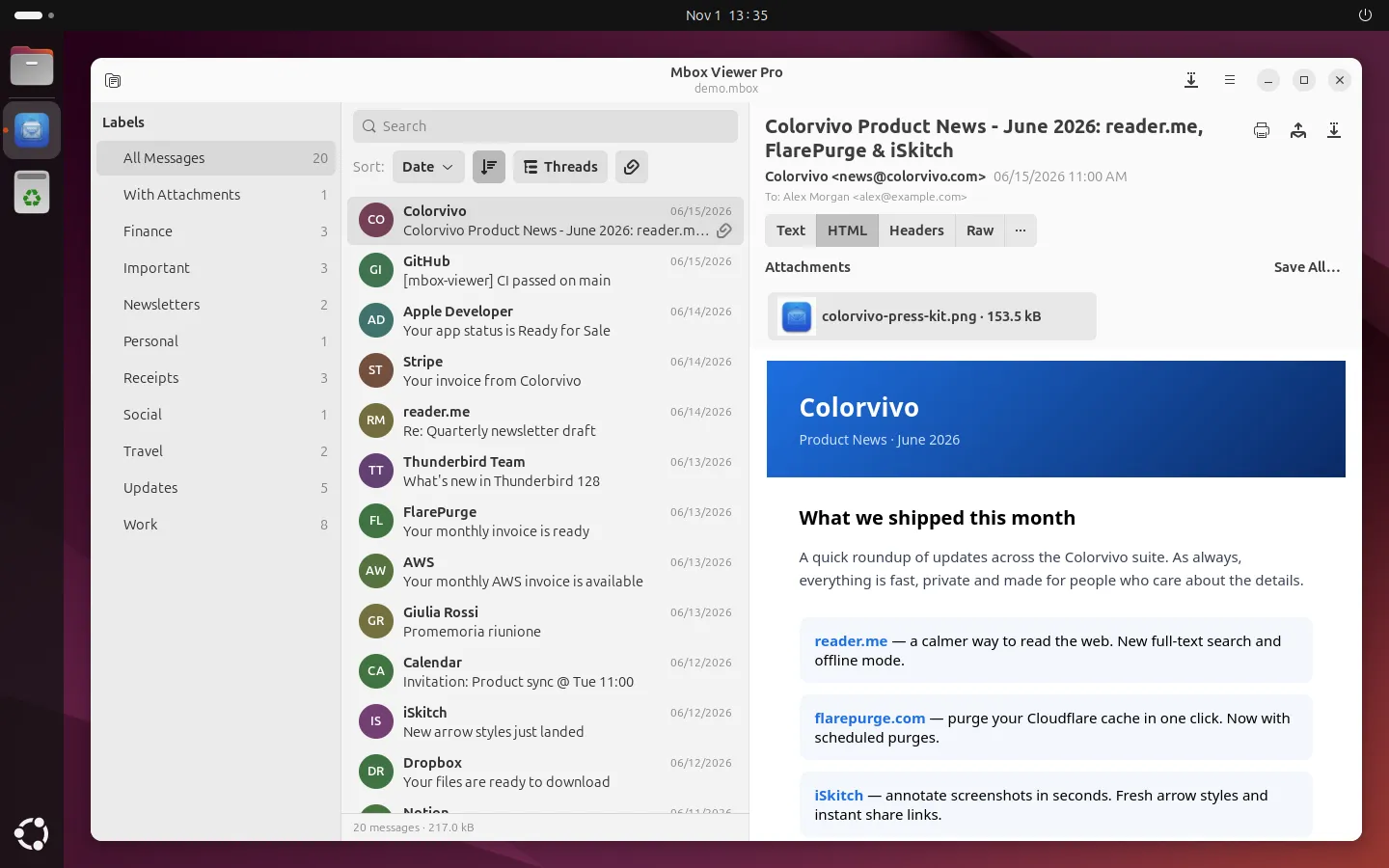
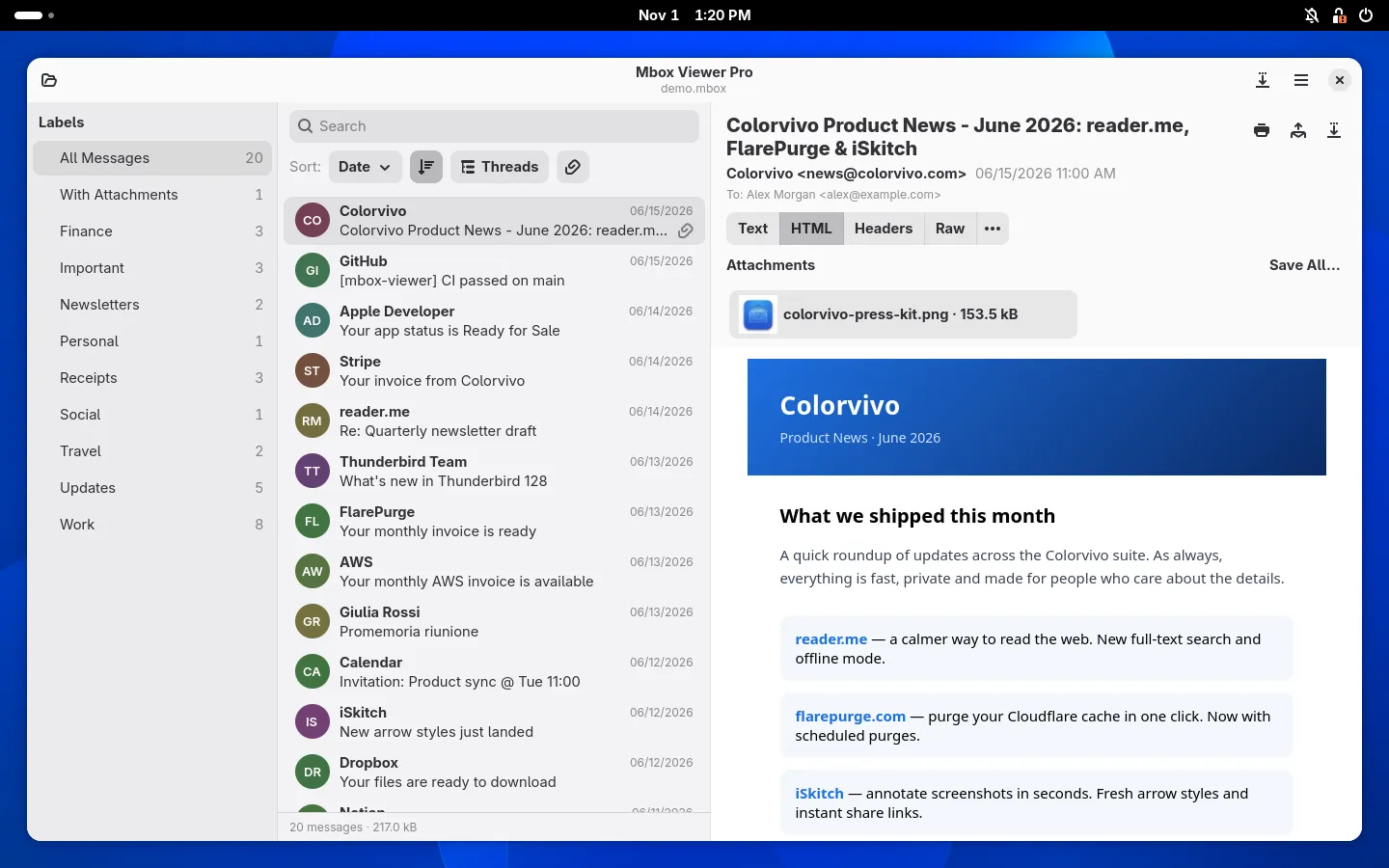
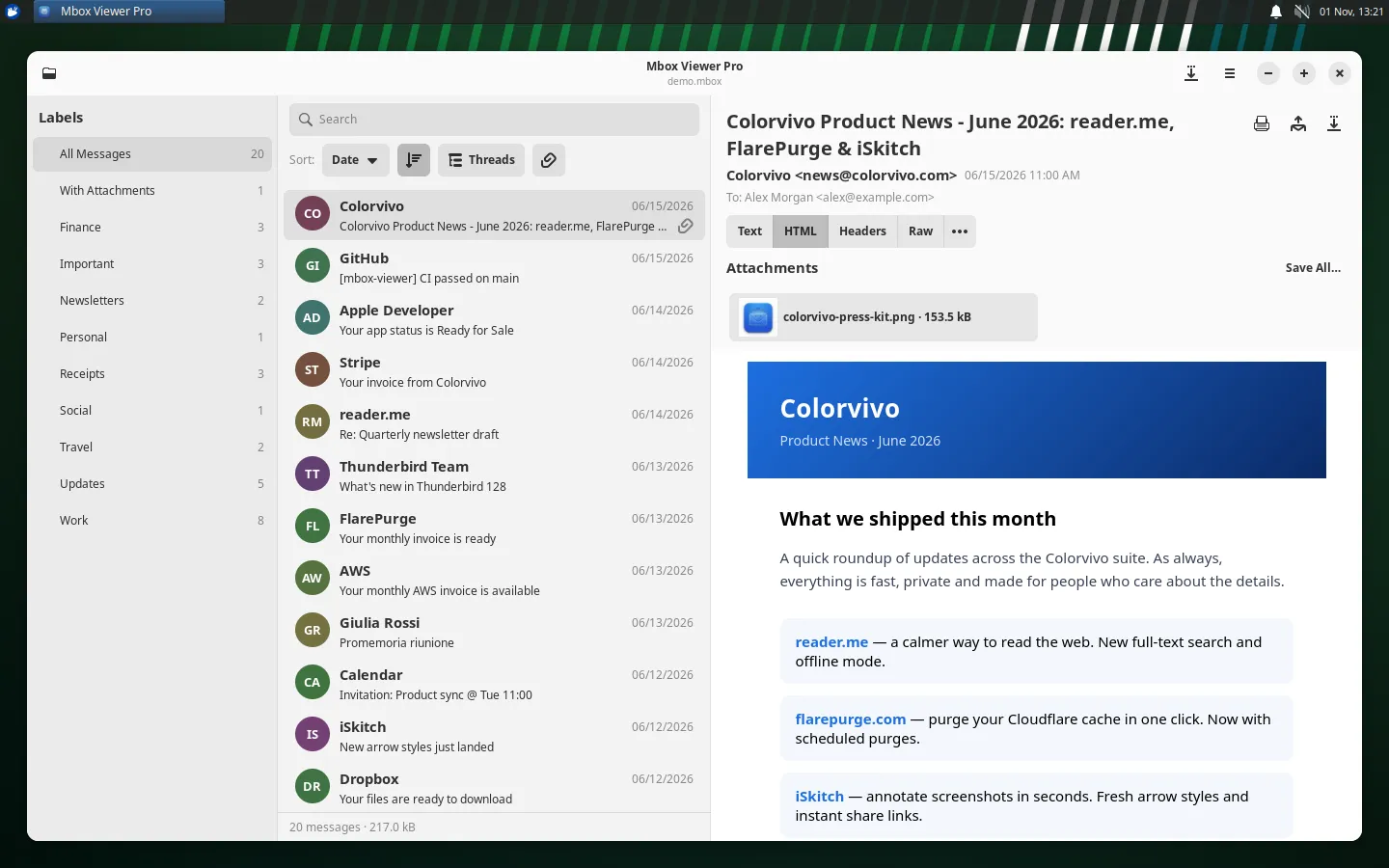
The application is built with GTK 4 and libadwaita. Each file opens in its own tab with a three-column layout: folders or Gmail labels, the message list and the selected message. Search uses the same syntax as the other versions, with operators such as from:, subject: or has:attachment, plus a search history and filters by Gmail label. Messages can be grouped into conversations and sorted by date, sender, recipient, subject or size.
Two details matter for anyone handling sensitive mail. HTML messages are rendered without connecting to the internet, and remote images only load in the message the user selects, so opening an archive does not trigger tracking pixels in bulk. And files are read without loading them entirely into memory, which the developer says allows mailboxes of any size to be opened. The interface is available in 21 languages and follows the system’s light or dark theme.
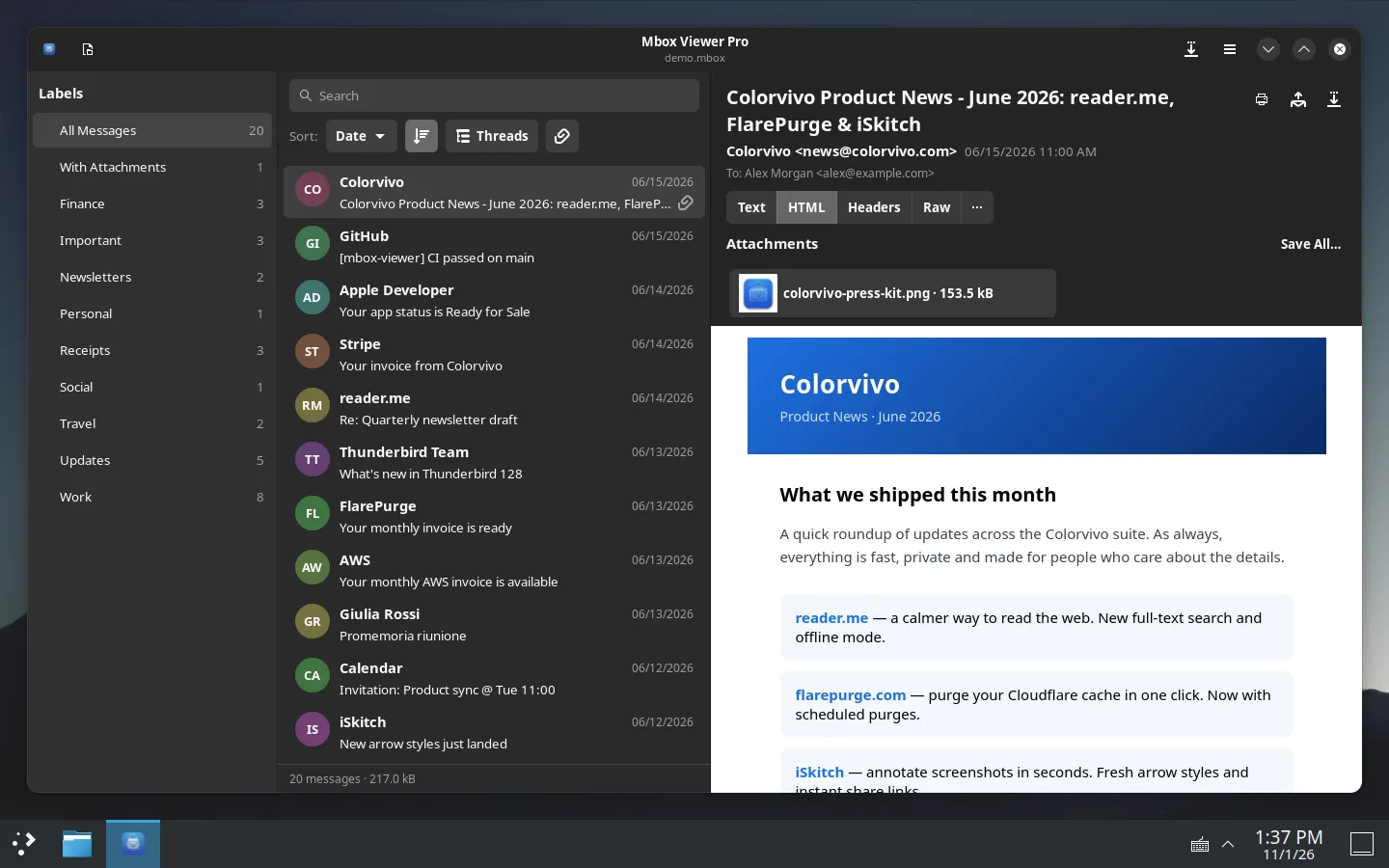
For getting data out, it exports to EML, MBOX, CSV, TXT, PDF, HTML and MHT, prints messages and can merge several MBOX files into one without duplicates, a common chore when consolidating exports from different sources.
Packages, distributions and updates
The supported targets are Ubuntu 24.04 or later and Debian 13 with a .deb package, Fedora 44 or later with an .rpm package and any other distribution through Flatpak, distributed as a .flatpakref file. All builds are available for x86_64 and ARM64, and the app has been tested on GNOME, KDE Plasma, Xfce, Cinnamon and MATE. It requires GTK 4.14, libadwaita 1.5 and WebKitGTK 6, which the packages pull in if they are missing.
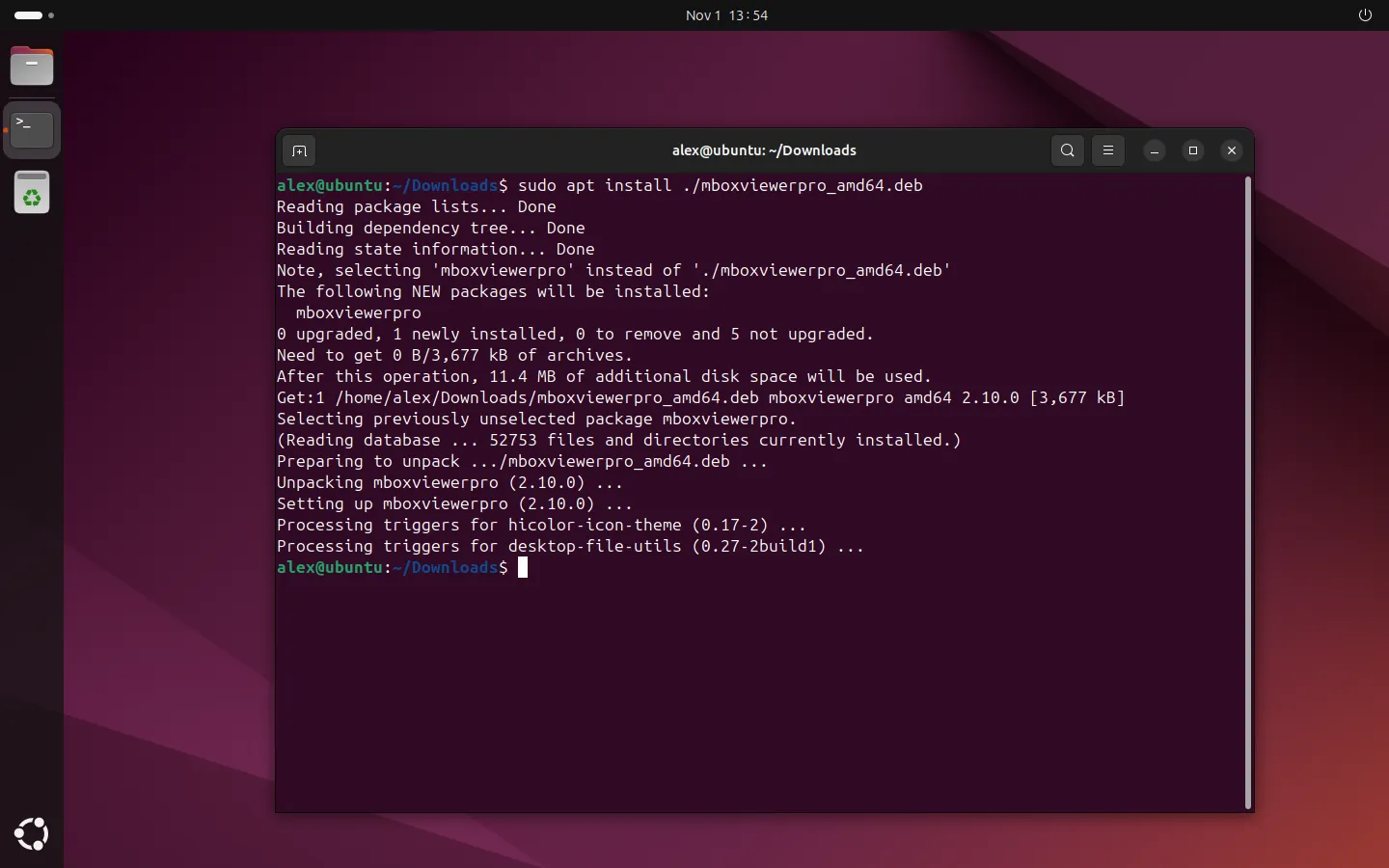
Installation on Ubuntu is a single sudo apt install ./mboxviewerpro_amd64.deb. The package adds a signed repository, so updates arrive with the rest of the system’s updates rather than through a self-updater. The application checks once a day for new versions and shows a notice, which can be turned off in Settings, but it never updates itself, an approach that fits environments where package changes go through the usual patch process.
Free tier, Pro licence and the command-line alternative
The free version opens mailboxes up to 1 GB with no time limit and no account. The Pro version, sold on the product website, removes that limit; one key works on macOS, Windows and Linux, with the lifetime licence covering three devices and the annual licence two. There is no Pro trial. The Linux build is labelled beta, so it is worth testing it on non-critical archives first.
For servers or scripted workflows without a desktop, the same developer offers mboxShell, a free, open-source command-line tool that also runs on Linux.
Frequently asked questions
What is Mbox Viewer Pro for Linux?
A native GTK 4 desktop application, currently in beta, for opening, searching and exporting MBOX and EML email archives offline.
Which Linux distributions are supported?
Ubuntu 24.04 or later and Debian 13 (.deb), Fedora 44 or later (.rpm) and other distributions via Flatpak, on x86_64 and ARM64.
Is Mbox Viewer Pro free on Linux?
The free version opens mailboxes up to 1 GB with no time limit. Larger files need a Pro licence, which also works on macOS and Windows.
Does it connect to the internet when opening emails?
No. HTML rendering works offline and remote images load only in the message you select.
Sources: