
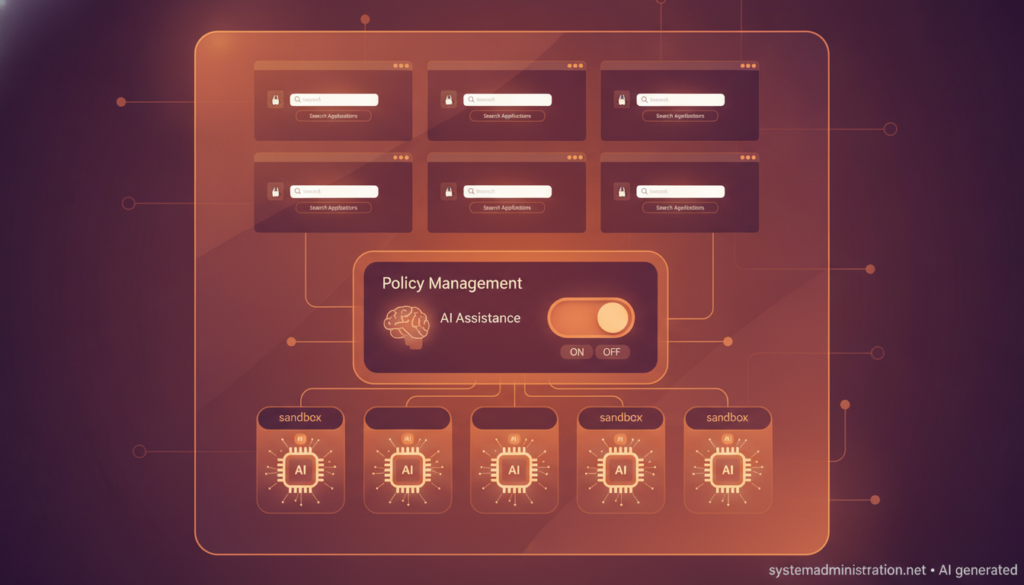
Canonical has shown the first working version of a new Ubuntu desktop launcher that combines file search, app launching and on-demand AI assistance powered by local models. Didier Roche-Tolomelli of the Ubuntu Desktop team presented it on the official Ubuntu Discourse on 24 November 2026, and the company plans to publish the architecture and a first test release in January. Anyone managing fleets of Ubuntu desktops should keep an eye on it.
Ubuntu’s AI launcher in 20 seconds
- AI features will be optional and favour local models.
- The default install will not ship large model files.
- Components will run confined and isolated from the system.
- The prototype is available as a snap on the edge channel.
The project is currently referred to as warty-launcher. In October the same engineer published warty-prototype, an automated UI simulation meant to gather design feedback; he now says there is real, working code.
What Canonical is promising
The launcher aims to be a single, keyboard- and speech-friendly entry point for finding files, opening apps and asking a model for help when the user wants it. The Discourse post sets out several principles that matter directly for desktop administration: AI features are strictly optional, a pure launcher without AI will be first-class, the default install will not include large model files, and inference will preferably run on-device rather than sending queries to the cloud by default.
On security, Canonical says files, local context and user habits stay on the user’s disk, and that components will run under Ubuntu’s confinement with strict isolation. The team promises a follow-up post with a deeper look at the architecture, which will be the key document for evaluating the design.
How to try the prototype
According to It’s FOSS, the prototype is on the Snap Store edge channel and installs with a single command. It is development code, so test it in a virtual machine or on a spare machine, never on production desktops:
sudo snap install warty-prototype --edge
warty-prototype
To remove it, run sudo snap remove warty-prototype.
What to watch on managed desktops
Even if AI is optional, enterprises will want to know how it can be controlled centrally. The announcement does not yet answer the questions worth raising in the Discourse thread before January: whether there will be configuration keys or policies to disable AI across a fleet, whether models will be downloaded on demand and from where, how much disk and memory they will use, and whether the launcher will index files continuously, with the I/O cost that implies.
It also remains to be seen how it fits with GNOME and the Dash search, which a commenter asked about without an answer so far, and which Ubuntu release it will target, which Canonical has not specified. Local inference reduces the risk of data leaking to external services, but it shifts the cost to hardware: machines without a capable GPU or NPU may miss out on the heavier features.
FAQ
Can the launcher be used without AI?
Yes. Canonical says a launcher without AI will be first-class and that AI features are strictly optional.
How do I install the prototype?
Run sudo snap install warty-prototype –edge. It is a development build meant for test machines.
When will a fuller version be available?
Canonical plans to publish the architecture and a first version with the core fundamentals in January.
Sources: