
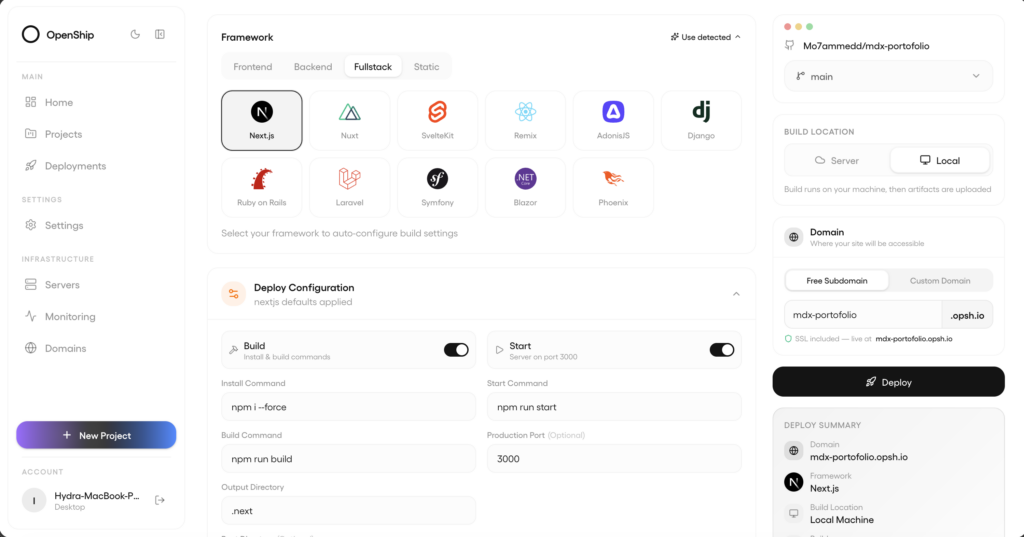
Openship is an open-source, self-hostable deployment platform, licensed under Apache 2.0, that takes a repository, detects what kind of app it is, builds it, runs it, publishes it on a domain and issues a TLS certificate, with continuous integration built in. It is driven from a desktop app, a web dashboard or a command-line interface, and deploys to any server reachable over SSH, to a VPS, to dedicated machines or to the project’s own managed cloud.
Openship key facts in 30 seconds
- Open-source deployment platform with CI/CD, domains, TLS, databases, mail and backups.
- Runs as a desktop app, a self-hosted server or the project’s own cloud service.
- Detects the stack and builds without mandatory config files.
- Compose mode mounts the Docker socket and belongs on a trusted host.
The repository has more than 15,000 GitHub stars and plays in a space already occupied by Coolify, Dokku and CapRover: bringing the convenience of platforms such as Vercel or Heroku to your own infrastructure. The project describes its core as production-ready and actively developed, and lists multi-node clusters, a load-balancing UI, private networking and visual CI/CD pipelines as next steps, which for now are plans.
Three ways to run the control plane
The first decision is where Openship itself runs. For a solo developer, the documentation recommends the desktop app (macOS, Windows and Linux): the control plane runs on the laptop only while the app is open, with nothing exposed to the internet, and deploys to a server over SSH. For teams, for push-to-deploy or to host apps on the same box, you need the self-hosted server, always on and always requiring login. The third route is Openship Cloud, with nothing to install.
The server is installed through the CLI, which bundles the API and dashboard, plus a wizard that creates the admin, wires the domain and registers a boot service. As always with scripts piped into sh, review it first:
curl -fsSL https://get.openship.io | sh     # or: npm i -g openship (Node 22+)
openship                                     # guided setup

# Without the wizard, for headless servers
openship up
openship up --public-url https://openship.example.com

# Deploy a project
cd your-project
openship init
openship deployCode language: PHP (php)
openship up picks the mode for you. On Linux with Docker it uses Compose mode, which brings up PostgreSQL, Redis, the API, the dashboard and an OpenResty edge on ports 80 and 443, and hosts the apps on that same machine with domains and Let’s Encrypt certificates. Everywhere else it uses bare mode, a lightweight process with an embedded database that deploys out to other servers or to the cloud. Raw Docker Compose with docker/docker-compose.yml is also possible, on Linux only.
How the pipeline works
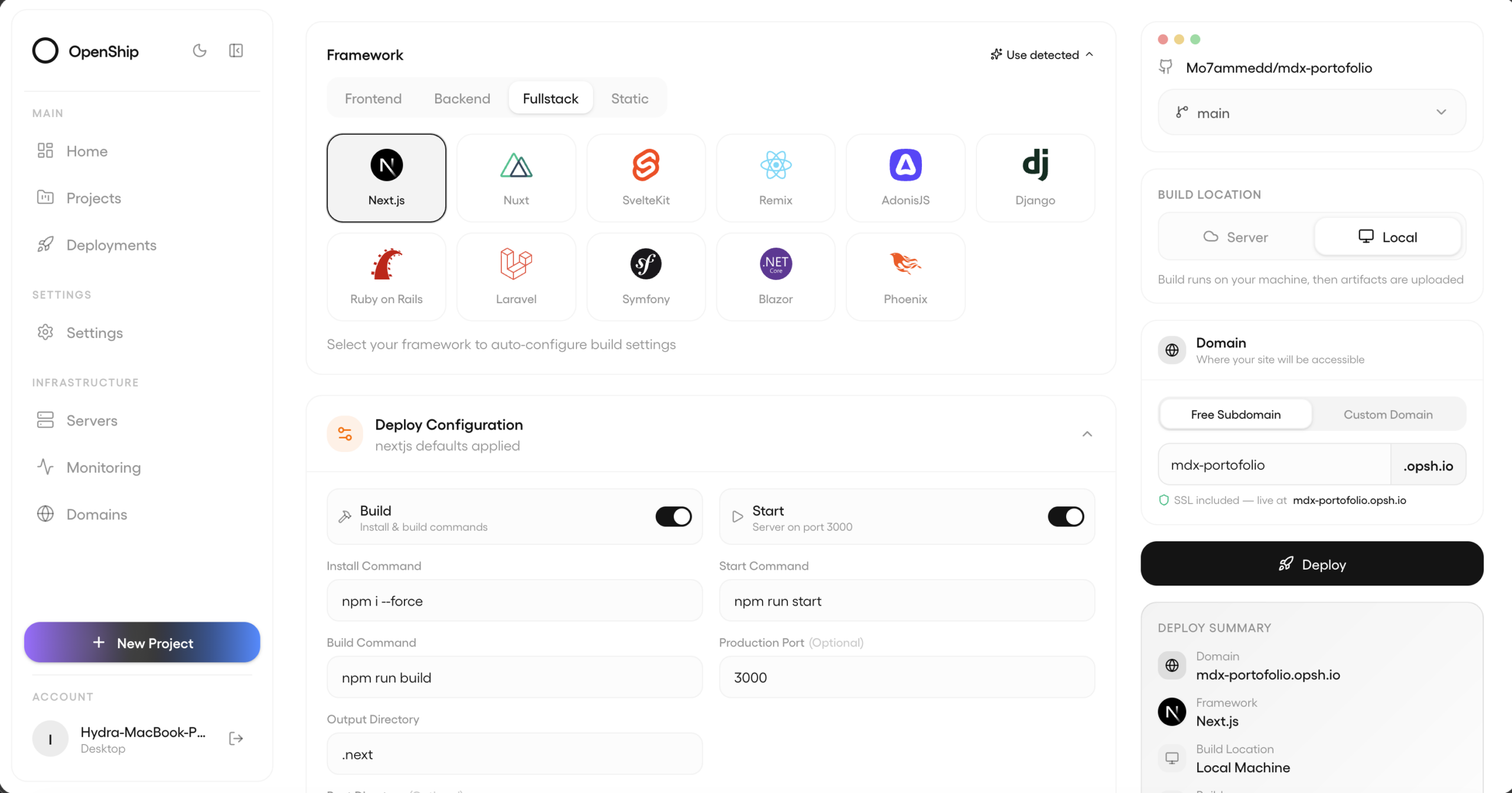
From a GitHub repository, a local folder or a prebuilt artifact, Openship runs five steps. It detects the stack by reading package.json, framework config, lockfiles and any docker-compose.yml or openship.json. It builds a Docker image or a bare release and freezes the resolved config, so redeploys and rollbacks re-run exactly what shipped. It runs the app as a container published on loopback only or as a supervised host process. It then writes the reverse-proxy vhost and requests the certificate; if DNS or the certificate fails, it is flagged as action required without taking the deploy down. Finally, a GitHub webhook re-runs the pipeline on every push.
According to its documentation it supports Node, Python, Go, Rust, PHP, Ruby, Java, .NET and monorepos, and manages PostgreSQL, MySQL, MongoDB and Redis, wildcard domains, a CDN with HTTP/3, a mail server with DKIM, SPF and DMARC, scheduled backups and container metrics. It also provides a REST API, a JavaScript and TypeScript SDK and an MCP endpoint for AI agents that only exposes routes explicitly opted in.
Caveats before you install it
The documentation itself spells out two details an administrator should weigh. In Compose mode the API container mounts the host’s Docker socket to build and run apps, which gives it root-equivalent privileges over the machine: use it only on a trusted, dedicated host. And while Openship’s own code is Apache 2.0, some control-plane distributions bundle the GPL-licensed iRedMail engine even if mail is never set up. To keep an eye on the servers you deploy to, we also covered OmnySSH, an SSH manager with a live metrics dashboard.
Frequently asked questions
Is Openship free?
Self-hosting is free and Openship’s own code is licensed under Apache 2.0. Openship Cloud is the project’s managed service.
Do I need an always-on server?
Only for push-to-deploy, team access or hosting apps on the same machine. A solo developer can use the desktop app and deploy over SSH.
What is the difference between Compose mode and bare mode?
Compose, on Linux with Docker, brings up the full stack and hosts apps on the same machine with domains and TLS. Bare is a lightweight process that deploys out to other servers or the cloud.
Is mounting the Docker socket safe?
It grants elevated privileges over the host, so the project recommends using it only on a trusted machine.
Sources: